Say you are trying to get a chatbot to help you draft a week’s worth of client emails. You set the rules up front: keep it under 150 words, no exclamation points, sign off with “Best, the team.” The first three emails come back perfect. By the sixth one, the exclamation points are back, the sign-off has drifted into something generic, and the word count has crept up to 300. Nothing changed on your end. You didn’t rewrite the instructions or open a new chat. The model just quietly stopped listening.
This is one of the most common frustrations I hear from people who use AI tools for repeatable daily work, and it has a specific, mechanical cause. It’s not the model getting “tired” or “bored,” even though it can feel that way. It’s a context window problem, and once you understand what’s filling that window, the fix is usually a thirty-second habit, not a new tool or a smarter prompt.
I’m going to walk through this the way I’d troubleshoot any recurring workflow issue: what you’re seeing, why it’s happening, and the specific move that fixes it. Skip to whichever symptom matches your situation.
Symptom: A rule you set at the start of the conversation just… stops applying
You told it to write in a certain tone, avoid certain words, or follow a certain format. It did, for a while. Then somewhere in the middle of a long back-and-forth, that rule quietly disappears from the output, with no error, no warning, nothing.
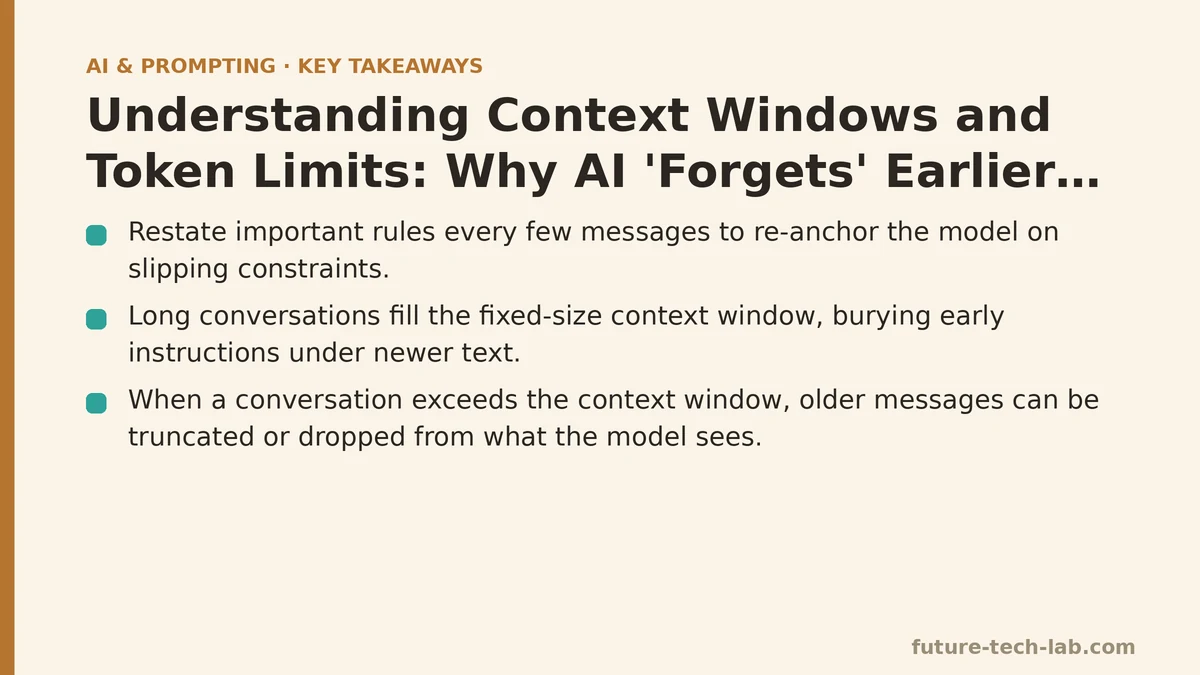
Cause: Every model has a fixed-size context window — a maximum number of tokens (roughly, chunks of words) it can “see” at once. Your entire conversation, every message you sent and every response the model generated, gets stuffed into that window on each turn. As the conversation grows, your original instruction is still technically in there, but it’s buried under dozens of turns of newer text. The model isn’t ignoring it on purpose. It’s just one line of instruction competing against a much larger volume of more recent content, and recent content tends to win.
Fix: Restate the rule you care about, rather than trusting it’s still holding. This feels redundant the first few times you do it, and then it becomes automatic. A single line like “reminder: keep this under 150 words, no exclamation points” costs you five seconds and re-anchors the model on the constraint that’s slipping. For work you repeat often — client emails, weekly reports, anything with a fixed format — that reminder line can be saved in a notes app so you can paste it in every few messages without retyping it.
Symptom: The chatbot forgets details from early in a long session
You mentioned your project name, your target audience, or a key constraint at message two. By message twenty, it’s asking you to clarify something you already told it, or worse, it’s just making something up that contradicts what you said earlier.
Cause: This is the same root issue as above, but it’s worth separating because the fix is slightly different. When a conversation exceeds the model’s context window, older messages don’t just lose priority — depending on the platform, they can get truncated or dropped from what the model actually receives. You’re not competing for attention anymore; the information may simply not be in the window at all. This tends to hit hardest in very long research or planning sessions that stretch across dozens of turns over multiple sittings.
Fix: Don’t rely on a session to hold state indefinitely. For any project that spans more than a handful of exchanges, keep a short “context summary” outside the chat — three or four sentences covering the essentials — and paste it back in whenever you return to the conversation or whenever the output starts feeling off. I do this for any client project that runs longer than a single afternoon. It takes less time than re-explaining the whole situation from scratch, and it can prevent output built on a stale assumption.
Symptom: Pasting in a long document makes the model worse at following your instructions, not better
You paste in a lengthy report, transcript, or spreadsheet dump along with your request, expecting more context to mean a more informed answer. Instead, the response ignores half of what you asked for, or it summarizes the pasted content in a generic way that misses the specific thing you needed pulled out.
Cause: Tokens are a shared, limited resource. A long paste eats a large chunk of the context window in one shot, leaving proportionally less “attention” for your actual instructions, especially if those instructions come before the paste. There’s also a well-documented tendency for models to pay less attention to the middle of a long input than to the beginning or end — so a long paste followed by a short instruction can bury both the earliest and middle parts of your reference material.
Fix: Put your instruction after the pasted content, not before it, so it’s the most recent thing the model reads. If the document is genuinely long, don’t paste all of it — extract just the section relevant to your task. And if you need the model to work with multiple sections, work through it in stages rather than one giant request: “summarize section one,” then “now compare that to section two,” rather than pasting everything and asking for a full analysis in one shot.
Symptom: A new chat with the exact same prompt behaves differently than an old one
You copy your “working” prompt into a brand-new conversation, expecting the same output you got last time, and it comes back noticeably different, sometimes worse.
Cause: This one catches people off guard because it looks like inconsistency in the model, when it’s usually a difference in context. Your old conversation had accumulated turns of back-and-forth clarification that quietly shaped the output — corrections you made, examples you gave, follow-up tweaks. None of that lives in the prompt text itself; it lived in the conversation history. A fresh chat starts with none of that scaffolding, so the “same” prompt is really a smaller, less-informed version of the one that worked before.
Fix: If a prompt only works well after several rounds of in-chat correction, that’s a sign the prompt itself is incomplete, not that the model is being unpredictable. Take the corrections you kept making — the tone adjustment, the format fix, the extra piece of context — and fold them directly into the prompt text. A prompt that reliably produces a good result cold, in a fresh chat, is more useful long-term than one that only works after you’ve warmed it up.
Symptom: You’re running into a hard error about message or input length
Rather than a subtle quality drop, you get an explicit error message saying the input is too long, or the platform truncates your paste without asking.
Cause: You’ve hit the literal token ceiling for that model or plan tier. This is the context window as a hard wall rather than a soft degradation — there’s simply no more room, and something has to be cut.
Fix: Break the task into smaller pieces and chain them. Summarize a document in chunks and then ask for a summary of the summaries. Or check whether your platform offers a model with a larger context window for that specific task — some are built specifically for long documents and cost more per use, which is a fair trade for a report you only need to process once.
Quick Reference
| Symptom | Cause | Fix |
|---|---|---|
| Rule from earlier stops applying | Instruction buried under newer turns | Restate the key rule periodically |
| Model forgets earlier details | Old messages dropped from the window | Keep a short context summary to re-paste |
| Long paste hurts instruction-following | Tokens split between content and command | Instruction after the paste; trim to relevant section |
| Same prompt, new chat, different result | Missing scaffolding from prior corrections | Fold corrections into the prompt itself |
| Hard length error or truncation | Hit the model’s token ceiling | Chunk the task or use a larger-context model |
None of these fixes require understanding how the model works under the hood. What matters day to day is recognizing that a context window is a shared, finite space — and that anything you want the model to keep respecting has to stay visible within it, not just stated once and assumed permanent.
The next time an AI tool seems to have “forgotten” something you were sure you told it, check the length of the conversation before you assume the tool is broken. There’s a decent chance the instruction is still technically there — just buried under everything that’s happened since. Related guides: Claude 3 Prompting Guide: A Step-by-Step Method for Large Context Windows, Why AI Gives Wrong Answers: Understanding Hallucination, and AI Prompt Security Best Practices for Enterprise Teams.
🔗 Recommended Reading
- How to Build a Semantic Search Engine with Embeddings: A Beginner's Step-by-Step Tutorial
- Building Your First RAG Chatbot: A Step-by-Step Tutorial for Beginners
- Function Calling for Beginners: A Step-by-Step Tutorial to Connecting LLMs to External APIs
- Vector Databases Explained: A Beginner's Guide to Storing and Querying Embeddings
- How to Evaluate LLM Outputs: A Beginner's Step-by-Step Tutorial to Testing and Scoring AI Responses