📖 5 min read
In an era where wearable technology seamlessly integrates into our daily lives, smartwatches have emerged as powerful tools for tracking fitness, managing communications, and even making payments. However, the convenience and functionality of these devices come with inherent privacy considerations. Smartwatches collect a vast amount of personal data, including location, health metrics, communication logs, and app usage patterns, making it imperative for users to understand and configure their privacy settings effectively. Failing to do so can expose sensitive information to unauthorized access, data breaches, and potentially even surveillance. This guide provides a comprehensive overview of smartwatch privacy settings, empowering you to take control of your data and protect your personal information in the age of ubiquitous connectivity.
1. Understanding Smartwatch Data Collection
Smartwatches, by their very nature, are designed to collect and analyze data about your activities and environment. This data collection enables the device to provide personalized insights, track fitness goals, and offer contextual information. However, it also means that a significant amount of your personal information is being stored and processed, both on the device and in the cloud. The type of data collected can vary depending on the smartwatch model and the apps you install, but it typically includes location data via GPS, heart rate measurements from the optical sensor, step counts from the accelerometer, sleep patterns, and even voice recordings through the microphone. Understanding the scope of this data collection is the first step toward configuring your privacy settings effectively.
To illustrate the potential impact of unchecked data collection, consider the scenario of location tracking. Your smartwatch continuously monitors your location to provide navigation assistance, track your runs, and even remind you to take breaks. However, this location data can also be used to build a detailed profile of your movements and habits, potentially revealing sensitive information about your home address, workplace, frequented locations, and social connections. Similarly, health data such as heart rate and sleep patterns can be valuable for medical research, but it can also be misused for discriminatory purposes by insurance companies or employers. These examples highlight the importance of carefully reviewing and adjusting your privacy settings to limit the amount of data collected and shared.
The practical implications of failing to manage smartwatch privacy settings extend beyond individual data breaches. Aggregated and anonymized data from smartwatches can be used to identify trends and patterns in population behavior, which can be valuable for public health initiatives and urban planning. However, it can also be used for targeted advertising, political campaigning, and even social engineering. By controlling your privacy settings, you contribute to the overall security and privacy of the smartwatch ecosystem, helping to prevent the misuse of personal data on a larger scale. Furthermore, proactively managing your privacy settings demonstrates a commitment to data protection, which can enhance your trust in wearable technology and foster a more responsible approach to data collection.
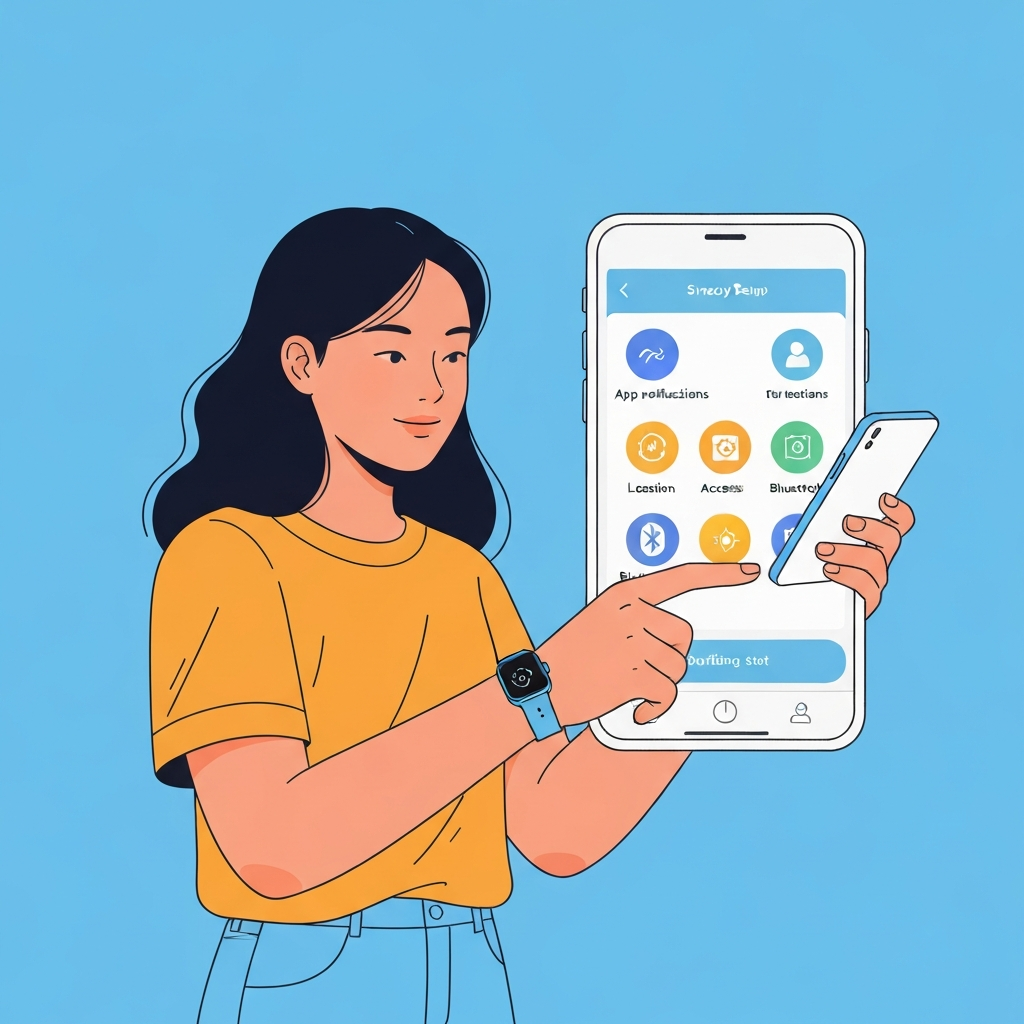
2. Configuring Essential Privacy Settings
Most smartwatches offer a range of privacy settings that allow you to control the type of data collected, how it is stored, and with whom it is shared. These settings can typically be found in the device's settings menu or within the companion app on your smartphone. While the specific options may vary depending on the manufacturer and model, there are several essential privacy settings that every smartwatch user should configure.
- Location Services: Limit location tracking to only when necessary. Consider disabling location services altogether or enabling them only for specific apps that require it. Many smartwatches allow you to choose between precise and approximate location tracking. Opting for approximate location tracking can significantly reduce the granularity of your location data, making it more difficult to identify your exact whereabouts. Review which apps have access to your location and revoke permissions for those that don't need it.
- Health Data Sharing: Control which apps and services have access to your health data. Be cautious about granting access to third-party apps that are not directly related to your fitness or health. Many smartwatches allow you to specify which types of health data (e.g., heart rate, step count, sleep patterns) can be shared with each app. Regularly review your health data sharing permissions and revoke access for any apps that you no longer use or trust. Consider the privacy policies of the apps to which you grant access.
- Notifications and Permissions: Review app permissions carefully and revoke access to sensitive data such as contacts, microphone, and camera if not necessary. Limit the types of notifications that are displayed on your smartwatch to prevent sensitive information from being visible to others. For instance, you may want to disable previewing message content in notifications to avoid revealing personal conversations. Also, be mindful of the apps that have permission to access your contacts. Granting access to your contacts allows the app to identify and communicate with your friends and family, but it also exposes their personal information to the app developer.
3. Advanced Privacy Techniques
Periodically clear your smartwatch's data and cache to remove any stored personal information. This can help to prevent unauthorized access to your data in the event that your device is lost or stolen.
Beyond the basic privacy settings, there are several advanced techniques that you can employ to further enhance your smartwatch privacy. These techniques involve taking proactive steps to minimize data collection, anonymize your data, and secure your device against unauthorized access. While they may require some technical knowledge or extra effort, they can significantly improve your overall privacy posture.
One advanced technique is to use a VPN (Virtual Private Network) on your smartphone when connecting your smartwatch to the internet. A VPN encrypts your internet traffic and masks your IP address, making it more difficult for third parties to track your online activity and intercept your data. Another technique is to use a privacy-focused search engine and browser on your smartphone to minimize the amount of personal information that is collected by search engines and websites. Additionally, you can consider using a temporary or burner email address for registering your smartwatch or creating accounts for related apps, rather than using your primary email address. This can help to protect your primary email address from spam and unwanted solicitations.
In summary, taking advanced privacy techniques is an investment in safeguarding your personal information. Employing these methods in conjunction with carefully configured privacy settings can significantly limit the amount of data collected, increase the difficulty of associating data with your identity, and ensure that you have a safer and more private smartwatch experience. This proactive approach to privacy protection empowers you to maintain control over your data and mitigate the risks associated with wearable technology.
🔗 Recommended Reading
Conclusion
In conclusion, configuring smartwatch privacy settings is not merely a technical task; it's a crucial step in protecting your personal information and maintaining control over your digital identity. By understanding the types of data that your smartwatch collects, carefully configuring the available privacy settings, and implementing advanced privacy techniques, you can significantly reduce the risks associated with wearable technology and enjoy the benefits of these devices without compromising your privacy. Remember that privacy is an ongoing process, not a one-time configuration. Regularly review your privacy settings and app permissions, and stay informed about the latest privacy threats and best practices.
As AI technology continues to advance, smartwatches are likely to become even more integrated into our lives, collecting and processing even more personal data. Therefore, it is essential to adopt a proactive and privacy-conscious approach to wearable technology. By taking control of your privacy settings, you can help to shape a future where technology empowers individuals without sacrificing their fundamental right to privacy.
❓ Frequently Asked Questions (FAQ)
How do I know which apps are tracking my location on my smartwatch?
Most smartwatches provide a list of apps that have requested access to your location in the settings menu. Typically, you can find this list under the "Permissions" or "Location Services" section. Review the list and revoke location permissions for any apps that you don't recognize or don't need location access. It is crucial to regularly review the apps that can track your location because new apps are often installed, and existing apps may update their permissions to request new data.
What is the best way to protect my health data on my smartwatch?
Protecting your health data involves controlling which apps have access to it and understanding how that data is used. When granting permissions to apps, be selective and only allow access to the specific health data categories that the app truly needs. For example, a step-counting app may only need access to step count data, while a sleep tracking app may need access to sleep patterns. Additionally, review the privacy policies of the apps you use to understand how they collect, use, and share your health data. Avoid apps with vague or unclear privacy policies.
How can I prevent my smartwatch from being hacked or compromised?
To prevent your smartwatch from being hacked, start by using a strong and unique password or PIN for your device and any associated accounts. Enable two-factor authentication (2FA) whenever possible to add an extra layer of security. Keep your smartwatch software up to date with the latest security patches, as these updates often address known vulnerabilities. Be cautious about installing apps from untrusted sources, and avoid clicking on suspicious links or opening attachments from unknown senders. Finally, consider enabling remote wipe functionality, which allows you to erase your data remotely if your smartwatch is lost or stolen.
Tags: #SmartwatchPrivacy #WearableTech #DataProtection #PrivacySettings #AISecurity #TechTips #DigitalPrivacy