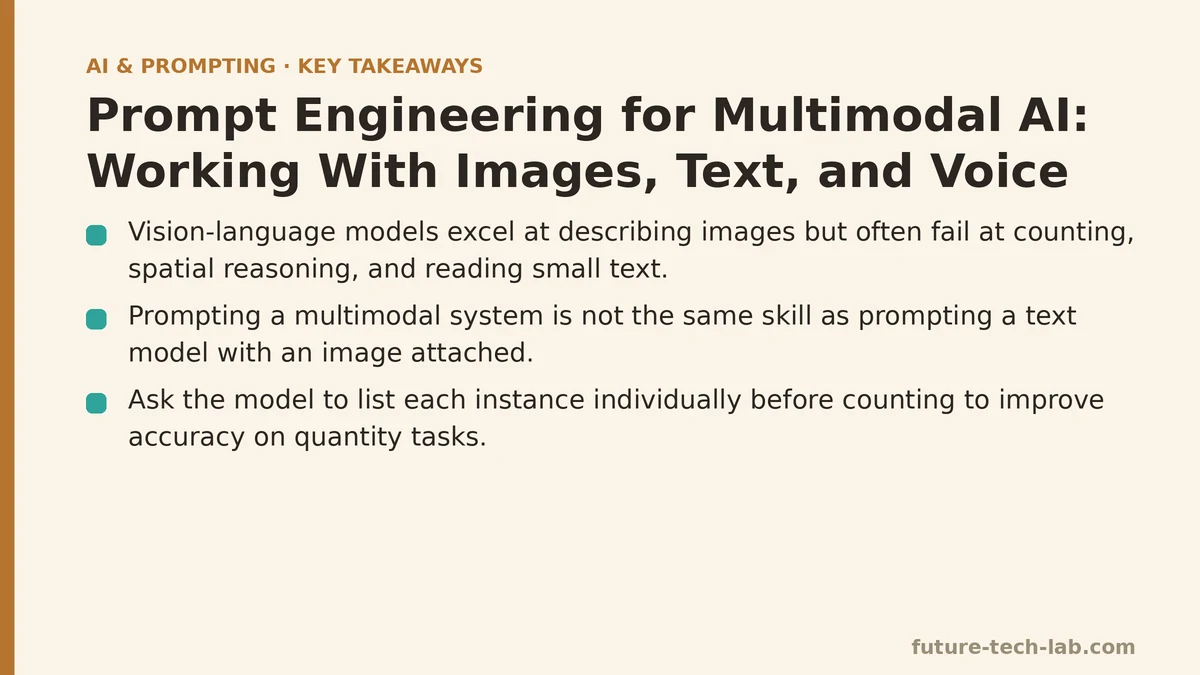
A model that can describe a photo in near-perfect detail — lighting, composition, the brand of shoe someone is wearing — will still miscount the number of people standing in that same photo more often than not. Vision-language models are frequently excellent at description and weak at counting, spatial reasoning, and reading small text embedded in an image. That gap alone tells you something important: prompting a multimodal system is not the same skill as prompting a text model with a picture attached, and treating it that way produces output that looks confident and is quietly wrong.
A workflow that feeds product photos, spec sheets, and customer voice memos into the same pipeline tends to have failure modes that have almost nothing in common with those of pure-text prompting. Below is what tends to work well, organized around the questions that commonly come up when working through it.
Does a prompt for an image input need a different structure than a text-only prompt?
Yes, and the reason comes down to how the model attends to different parts of its context. With text, the model reads every token in sequence and weighs them against each other in one continuous stream. With an image, there’s a separate encoding step — the image gets converted into a set of visual tokens before your text instruction is even considered. That means the order in which you present things matters less than most people assume, but the specificity of your text instruction relative to the image matters more.
“What’s in this image?” gives the model total latitude to describe whatever it finds salient, which is rarely what you need. “List every product visible in this image along with its shelf position, left to right” gives it a specific extraction task with a defined output shape. The image doesn’t change — your instruction narrows what the model does with it, exactly the way it would with text.
What’s the single biggest mistake people make when prompting with images?
Assuming the model sees the image the way a human does. It doesn’t. It sees a grid of patches converted into embeddings, and it’s inferring relationships between those patches rather than perceiving a scene holistically. This is why models are strong at “what object is this” and comparatively weak at “how many,” “which one is closer to the camera,” or “is this text upside down.”
Once you internalize that, you stop asking questions the architecture is bad at answering and start asking ones it can answer reliably. If you need a count, ask the model to identify and list each instance individually first, then count the list — forcing an intermediate step rather than asking for the number directly. It’s the same trick as asking a text model to show its work before giving a final answer, and it produces measurably better accuracy on anything involving quantity.
How do I keep output consistent when combining an image and a text instruction?
Treat the text portion of the prompt exactly like you would any other structured prompt: specify format, specify constraints, and don’t leave the mapping between image content and output field implicit. A prompt like “extract the information from this invoice” invites the model to decide, on its own, what counts as relevant. A prompt like “extract vendor name, invoice number, total amount, and due date from this invoice image, and return them as JSON with those four keys” removes that ambiguity entirely.
This matters even more with images than with text, because an underspecified image prompt doesn’t just produce a generic answer — it can produce a plausible-sounding answer that’s fabricated. If a field isn’t visible in the image, an unconstrained prompt will sometimes have the model infer or guess at it rather than report it as missing. Explicitly instructing “if a field isn’t visible, return null for that key” closes that gap.
Does adding an image or audio clip change token cost and latency?
Substantially, and in ways worth planning around before you build a pipeline on top of it. Images get tokenized into a fixed or resolution-dependent number of visual tokens — often several hundred to over a thousand depending on the model and image size — before your prompt text is even added to the context. A single high-resolution image can cost more tokens than several paragraphs of text.
The practical consequence is that resizing or cropping an image before sending it isn’t just a bandwidth optimization, it’s a cost and latency lever. If you only need the model to read a table in the top-left quadrant of a screenshot, cropping to that region reduces the visual token count and typically speeds up inference. Audio has its own version of this: longer clips mean more processing before the first token of the response comes back, so if you’re building anything latency-sensitive on voice input, trimming silence and splitting long recordings into segments pays off directly in response time.
How should I prompt when the input is voice rather than text?
The first thing to separate out is transcription accuracy versus instruction-following. If the pipeline transcribes voice to text and then feeds that text into a language model, your prompt engineering problem is now a text problem again — but one where the input is noisier and less structured than anything a user would type. Spoken language is full of false starts, filler words, and restated intentions (“actually, can you make that — no wait, just give me the shorter version”).
The fix isn’t to prompt around this noise after the fact — it’s to instruct the model, up front, to treat the transcript as unedited speech. Something like: “The following is a raw voice transcript and may contain false starts, repeated words, or self-corrections. Identify the user’s final intent, ignoring earlier statements they explicitly revised.” That single instruction resolved most of the misfires I was seeing in a voice-driven support tool, because without it the model would sometimes act on the first stated intent instead of the corrected one.
Can I chain modalities together — image in, voice or text out, or the reverse?
Yes, and this is where most of the interesting production use cases live: a photo of a whiteboard converted into a structured task list, a voice memo converted into a written status update, a spec sheet image cross-referenced against a spoken question about it. The mechanics are straightforward once you stop thinking of it as one prompt and start thinking of it as a short pipeline with a defined handoff at each step.
The failure point in chained pipelines is almost always the handoff — passing the raw output of step one into step two without checking that it’s in a shape the next step can use. If a voice transcription step occasionally drops a word or mishears a number, that error propagates silently into whatever downstream step consumes it. Building in a lightweight validation step between stages — even something as simple as asking the model to flag low-confidence extractions — catches a meaningful share of these before they reach the end user.
Does the “context, task, format, constraints” structure I’d use for text still apply here?
It does, with one addition: modality-specific instructions about how to treat the input itself. Context tells the model what it’s looking at or listening to and why. Task specifies the exact extraction or generation action. Format specifies the output shape. Constraints specify exclusions. The addition, for multimodal prompts, is a line addressing the reliability of the input medium — “this image may be low resolution,” “this audio may contain background noise,” “treat unclear words in the transcript as uncertain rather than guessing.”
That one extra line does a disproportionate amount of work, because it changes the model’s default behavior from confidently filling gaps to explicitly flagging them. For anything feeding into an automated system rather than a human reviewer, that distinction is the difference between a pipeline that fails loudly and one that fails silently.
A Quick Comparison Across Modalities
| Modality | Main Failure Mode | Highest-Leverage Fix |
|---|---|---|
| Image | Confident but wrong counts, spatial claims, or fabricated fields | Force intermediate steps (list, then count); instruct null on missing fields |
| Voice/Audio | Noisy transcripts, restated intent, background noise | Explicitly instruct the model to resolve self-corrections and flag uncertainty |
| Chained (multi-step) | Errors from one step propagate silently into the next | Add lightweight validation or confidence flags between stages |
Where does this leave a text-only prompting habit?
Mostly intact, honestly, just insufficient on its own. The core discipline — be specific about context, name the exact task, define the output format, state what to exclude — still holds regardless of what medium the input arrives in. What changes is the added layer of instructions about how reliable that input is and how the model should behave when it isn’t. Skip that layer and you’ll get answers that sound complete even when the underlying image was too dark to read or the audio clipped out the one number that mattered.
If you’re building anything that takes images or voice as input right now, the fastest test I’d run is this: deliberately feed it a degraded input — a blurry photo, a mumbled recording — and see whether the model tells you it’s uncertain or just guesses. Whichever one it does by default tells you exactly how much prompt-level guardrail work is still ahead of you.
Related guides: Are AI Prompt Engineering Certifications Worth It? A 2025 Review, Common Prompt Engineering Mistakes and How to Fix Them, and Fine-Tuning vs. Prompt Engineering: When to Choose Each.
🔗 Recommended Reading
- How to Build a Semantic Search Engine with Embeddings: A Beginner's Step-by-Step Tutorial
- Building Your First RAG Chatbot: A Step-by-Step Tutorial for Beginners
- Function Calling for Beginners: A Step-by-Step Tutorial to Connecting LLMs to External APIs
- Vector Databases Explained: A Beginner's Guide to Storing and Querying Embeddings
- How to Evaluate LLM Outputs: A Beginner's Step-by-Step Tutorial to Testing and Scoring AI Responses