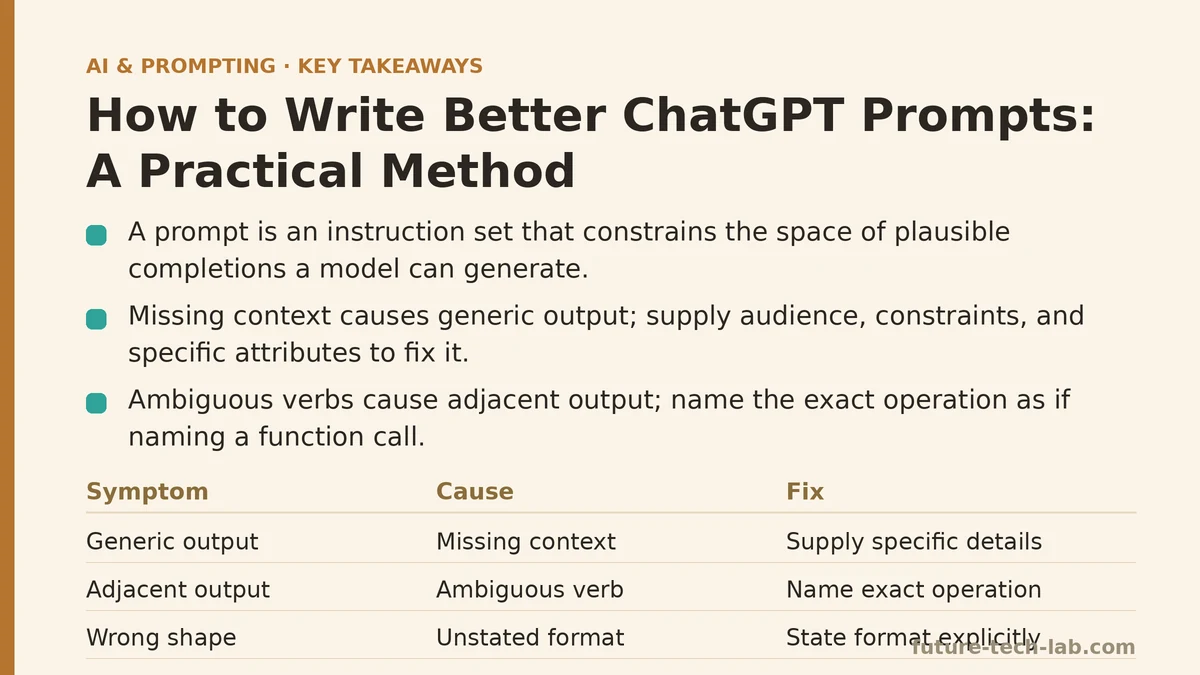
A prompt is an instruction set that constrains the space of plausible completions a model can generate. Write a loose prompt and you get a large, ill-defined space — the model has to pick something, and it defaults to the statistically safest, most generic completion available. Write a tight prompt and you shrink that space down to something close enough to your actual intent that the first output is usable without three rounds of cleanup.
This post is organized the way I’d approach debugging a flaky API integration: symptom first, then root cause, then the specific fix. If you’ve hit one of these output patterns before, you can skip straight to the matching section instead of reading the whole thing linearly.
Symptom: The output is generic — it could describe anything
You ask for a product description, an email, or an explanation, and what comes back reads like it was assembled from the median of every similar piece of text on the internet. Nothing wrong with it exactly, but nothing specific to your case either.
Cause: Missing context. The model wasn’t given any information that distinguishes your situation from the ten thousand similar ones it’s implicitly averaging over. Ask for “a product description for a coffee mug” and there’s no differentiating signal in the request — no material, no audience, no feature — so the completion collapses to the most generic mug copy in its training distribution.
Fix: Supply the details that make your case non-interchangeable with every other instance of the same request. Audience, constraints, prior context, specific attributes. Compare “explain compound interest” against “explain compound interest to a teenager who has never had a bank account.” Same underlying concept, but the second version pins down vocabulary, depth, and framing well enough that the output actually fits the reader you have in mind.
Symptom: The model does something adjacent to what you asked, not what you asked
You wanted a summary. You got an explanation of how to write a summary. You wanted a rewrite. You got commentary on the original text instead. The output is topically related but doesn’t execute the task.
Cause: An ambiguous verb. Requests like “help me with this email” or “look at this code” don’t specify an action — they specify a topic. The model has to infer what “help” means, and it will often infer the safest, most conservative interpretation, which is usually not the one you had in mind.
Fix: Name the exact operation you want performed, as if you were naming a function call. Not “help me with an email” but “draft a follow-up email to a client who hasn’t responded to a proposal in two weeks.” Not “look at this code” but “identify the source of this null pointer exception and propose a one-line fix.” The more the instruction resembles a single unambiguous command, the less room there is for the model to guess wrong.
Symptom: The content is fine, but the shape is wrong
The information is accurate and reasonably well-written, but it arrived as five paragraphs when you needed three bullet points, or as a flat list when you needed a table, or at triple the length you had in mind.
**Cause: **Unstated format requirements. Length, structure, and tone are parameters just like the content itself, and if you don’t pass them explicitly, the model fills them with a default guess. “Quick summary” means something different to every person who types it — the model has no way to resolve that ambiguity on its own.
Fix: State format constraints as explicitly as you’d state a function’s return type. “Respond in exactly three bullet points, no more than fifteen words each.” “Format the comparison as a markdown table with columns for Feature, Cost, and Timeline.” “Keep the total response under 100 words.” Precision here costs you one extra sentence in the prompt and typically saves an entire follow-up round trip.
Symptom: The response includes things you specifically didn’t want
Boilerplate disclaimers, an overly hedged tone, a list of caveats you already know, a marketing phrase you explicitly told it to avoid, and there it is again in the output anyway.
Cause: No negative constraint was ever stated, or it was stated once and then diluted across a long, unstructured prompt where the model’s attention on that particular instruction competed with everything else you asked for.
Fix: State exclusions as their own discrete line, separate from the main task description, the same way you’d isolate an edge case in a spec document. “Avoid generic phrases like ‘perfect for any occasion.’” “Do not include a disclaimer about consulting a professional.” “Skip the introduction — start directly with the first recommendation.” Isolating the constraint on its own line measurably improves adherence compared to burying it mid-paragraph.
Symptom: A good response early in the conversation degrades a few turns later
The first response nailed the tone and structure. Three follow-up messages later, it’s drifted — vaguer, more repetitive, or ignoring a constraint you set at the start.
Cause: Context dilution. Every message in a conversation shares a finite context window, and instructions from several turns back compete with everything said since. The original constraint hasn’t been deleted, but its relative weight in what the model is attending to has shrunk.
Fix: Restate the constraint that matters, rather than assuming it still holds. “Keep applying the under-100-word limit from earlier” costs one sentence and re-anchors the model on a requirement it might otherwise be quietly deprioritizing. For a long working session, periodically re-pasting the two or three constraints you care about most is worth the minor redundancy.
Symptom: You’re rewriting the entire prompt from scratch every time the output misses
Each attempt starts fresh: new context, new task description, new everything, because the previous version “didn’t work.”
Cause: Treating an imperfect output as a failed prompt rather than an 80%-correct one. Most outputs that miss are close, not wrong — they need one adjustment, not a full rebuild.
Fix: Stay in the same conversation and name the specific delta. “This is good, but cut the technical jargon and tighten it to two paragraphs” builds directly on the existing context instead of reconstructing it. Reserve a full prompt rewrite for cases where the structural approach itself was wrong, not just the surface-level output.
A Diagnostic Table for Quick Reference
| Symptom | Likely Cause | Fix |
|---|---|---|
| Output is generic | Missing context | Add audience, constraints, specific attributes |
| Output is off-task | Ambiguous verb | Name the exact action as a command |
| Right content, wrong shape | No format spec | State length, structure, tone explicitly |
| Unwanted content included | No isolated exclusion | Put “avoid X” on its own line |
| Quality drifts mid-conversation | Context dilution | Restate the key constraint |
| Rebuilding prompts from zero | Treating 80% as 0% | Target the specific delta, same thread |
None of these fixes require special tooling, a different model, or a deeper understanding of how inference works under the hood. They’re the same debugging instinct you’d apply to a misbehaving function: isolate the input that’s underspecified, patch that one thing, and rerun before you touch anything else.
Next time an output disappoints you, resist the urge to rewrite the whole prompt immediately. Match the symptom to the table above first — there’s a decent chance the fix is smaller than you’d expect. Related guides: How to Write Your First AI Prompt: A Beginner’s Step-by-Step Tutorial, AI Prompting Techniques for Summarizing Long Documents and Reports, and Are AI Prompt Engineering Certifications Worth It? A 2025 Review.
🔗 Recommended Reading
- How to Build a Semantic Search Engine with Embeddings: A Beginner's Step-by-Step Tutorial
- Building Your First RAG Chatbot: A Step-by-Step Tutorial for Beginners
- Function Calling for Beginners: A Step-by-Step Tutorial to Connecting LLMs to External APIs
- Vector Databases Explained: A Beginner's Guide to Storing and Querying Embeddings
- How to Evaluate LLM Outputs: A Beginner's Step-by-Step Tutorial to Testing and Scoring AI Responses