📖 5 min read
As a freelancer, your time is your most valuable asset. Spending hours wrestling with invoices isn't just frustrating—it's a direct hit to your earning potential. A well-designed invoice template is the cornerstone of efficient freelance business operations. It ensures you get paid promptly, accurately reflects the work you've done, and projects a professional image to your clients. This guide will walk you through everything you need to know about freelance invoice templates, from selecting the right one to automating your entire invoicing process. We'll explore crucial elements to include, different template options, and strategies for optimizing your invoicing workflow for maximum efficiency and faster payments, so you can concentrate on what you do best – your actual freelancing work.
1. Why Use a Dedicated Freelance Invoice Template?
Using a dedicated freelance invoice template is more than just a convenience; it's a strategic business decision. A professionally designed template helps you maintain consistency across all your invoices, ensuring a uniform brand image. This consistency builds trust with clients and makes your business look more credible and organized. Furthermore, a good template simplifies the invoicing process, reducing errors and saving you valuable time that can be better spent on client projects or business development.
Consider the scenario where a freelancer sends out invoices created using different software, fonts, or layouts. This can create a perception of unprofessionalism, leading clients to question the freelancer's attention to detail and overall business acumen. Conversely, a consistent, well-branded invoice template reinforces your professionalism and communicates that you take your business seriously. The details matter; small things like your logo placement, font style, and even the color scheme of your invoice all contribute to your brand identity.
Beyond branding, a dedicated template helps ensure you include all necessary information, like your business name, contact details, client information, invoice number, date, a clear description of services, payment terms, and accepted payment methods. Missing any of these elements can lead to confusion, delays in payment, or even disputes with clients. A well-structured template acts as a checklist, prompting you to include all critical details and minimize potential issues.
2. Key Elements of an Effective Freelance Invoice Template
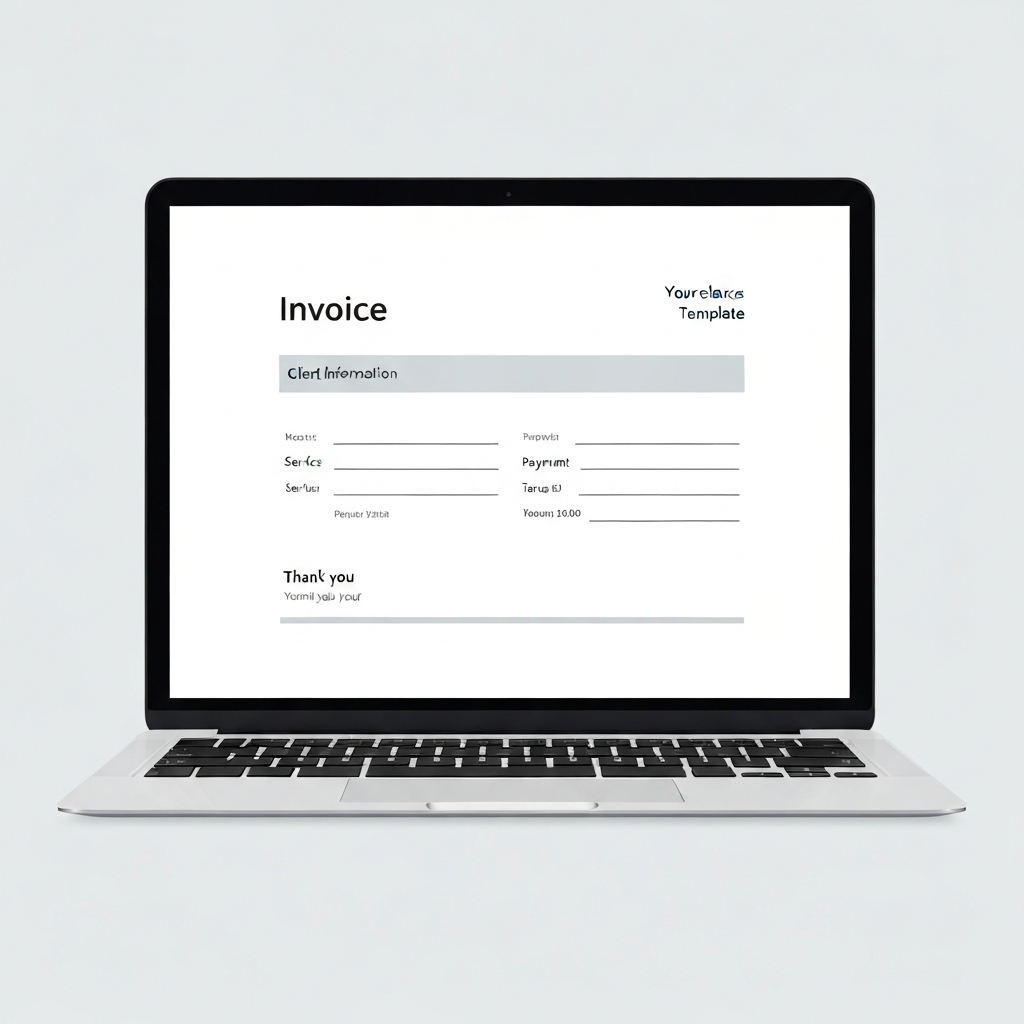
Crafting an effective freelance invoice template involves carefully considering the essential elements that will make it functional and professional. This ensures clarity for your clients and minimizes potential payment delays. A well-structured template will streamline your invoicing process and reinforce your brand identity. Below are some key elements:
- Business Information: Your invoice must prominently display your business name, address, phone number, and email address. Including a logo can also greatly enhance your branding. This information is crucial for clients to easily identify and contact you if necessary. Ensure all contact details are accurate and up-to-date to avoid any communication issues or delays in payments.
- Client Information: Clearly state the client's name, company name (if applicable), address, and contact details. Correct client information is essential for accurate billing and ensures that the invoice reaches the right person. Verifying this information before sending the invoice can also prevent payment discrepancies and misunderstandings.
- Invoice Number and Date: Assign a unique invoice number to each invoice and include the date of issue. Invoice numbers are vital for tracking payments and managing your accounting records efficiently. Dates are crucial for establishing payment deadlines and tracking overdue invoices. A clear numbering and dating system helps organize your financial transactions and simplifies bookkeeping.
- Description of Services: Provide a detailed breakdown of the services rendered, including the number of hours worked (if applicable), the hourly rate, and a concise description of each task. Clarity in your descriptions is paramount for ensuring clients understand exactly what they're paying for. Being specific and transparent can minimize questions and disputes, fostering a positive client relationship.
- Payment Terms and Methods: Clearly outline your payment terms, including the due date and accepted payment methods (e.g., PayPal, bank transfer, credit card). Stating your preferred payment methods upfront streamlines the payment process for your clients. Make sure your payment terms are reasonable and clearly communicated to avoid any confusion or delays. Consider offering early payment discounts to incentivize faster payments.
3. Automating Your Freelance Invoicing Workflow
Pro Tip: Integrate your invoice template with a project management tool to automatically generate invoices based on tracked time and expenses. This drastically reduces manual data entry and minimizes errors.
Automating your freelance invoicing workflow can significantly boost your productivity and reduce the time you spend on administrative tasks. By leveraging technology, you can streamline the entire invoicing process, from generating invoices to tracking payments. This not only saves you time but also reduces the risk of errors and ensures consistent, professional communication with your clients.
One effective automation strategy is to use invoicing software or online platforms designed specifically for freelancers. These tools often include features such as automatic invoice generation, recurring billing, payment reminders, and integration with accounting software. By inputting your client details, services offered, and payment terms, you can create professional invoices in seconds. Setting up recurring billing for clients with ongoing projects ensures timely invoicing without manual intervention. Automated payment reminders help reduce late payments by prompting clients to settle their invoices before the due date.
Integrating your invoicing software with accounting tools such as QuickBooks or Xero can further streamline your financial management. This integration allows you to automatically track income and expenses, generate financial reports, and simplify tax preparation. By automating these tasks, you free up more time to focus on your core freelance work and grow your business. The investment in automation tools can lead to increased efficiency, improved cash flow, and a more professional image, ultimately contributing to the long-term success of your freelance career.
🔗 Recommended Reading
Conclusion
Implementing a well-structured freelance invoice template and automating your invoicing workflow are crucial for maximizing efficiency and ensuring timely payments. By choosing the right template, incorporating essential elements, and leveraging automation tools, you can streamline your business operations. This proactive approach minimizes errors, enhances your professional image, and frees up valuable time for your core freelance work. The goal is to create a seamless invoicing process that reinforces your brand identity and contributes to positive client relationships.
Looking ahead, the integration of AI in invoicing is poised to revolutionize freelance finance management. AI-powered tools can automate data entry, predict payment patterns, and even negotiate payment terms on your behalf. By staying informed about these emerging trends, freelancers can continue to refine their invoicing strategies and optimize their business operations for sustained success. Embrace the opportunities for increased efficiency and improved financial control.
❓ Frequently Asked Questions (FAQ)
What should I do if a client doesn't pay their invoice on time?
If a client fails to pay their invoice by the due date, the first step is to send a polite but firm reminder. Clearly restate the invoice details, the amount due, and the payment terms. If you still don't receive payment after the reminder, consider following up with a phone call to discuss the issue and understand any potential reasons for the delay. It is beneficial to have a clear policy regarding late payments, which could include charging late fees or pausing work on ongoing projects until payment is received, these terms should be communicated in advance. Document all communications with the client regarding the late payment.
How often should I send invoices to clients?
The frequency of sending invoices depends on the nature of your freelance work and the agreements you have with your clients. For projects with fixed deadlines, it's common to send an invoice immediately after completion. For longer-term projects, you might invoice clients bi-weekly, monthly, or according to agreed-upon milestones. Establishing a clear invoicing schedule from the outset helps manage client expectations and ensures a steady cash flow. Using invoicing software can also automate the process of sending recurring invoices, further streamlining your workflow.
What are some common mistakes to avoid when creating invoices?
Several common mistakes can lead to payment delays or disputes. One prevalent issue is omitting critical details, such as the invoice number, date, or a clear description of services provided. Another mistake is having unclear payment terms or not specifying accepted payment methods. Always double-check the client's contact information to avoid sending invoices to the wrong address. It's also important to avoid making mathematical errors when calculating the total amount due. Before sending an invoice, carefully review all the details to ensure accuracy and completeness.
Tags: #freelance #invoicing #templates #automation #business #finance #workflow