Say you are building a support-triage assistant that classifies incoming tickets into one of four categories and drafts a first response. You build a test set of 300 labeled tickets, run your prompt against them, and get 91% accuracy. You ship it. Two weeks later, the support lead complains that the assistant keeps misrouting billing questions to the technical queue. You rerun the same 300-item test set, still get 90%. Nothing looks broken.
This is the defining failure pattern in LLM evaluation. Your measurement says one thing, your users say another, and the gap between them is almost never the model. It is almost always the evaluation design. This post walks through the most common evaluation mistakes by following one pipeline from a broken 91% down to a trustworthy number, and it names the specific fixes at each stage along the way.
Mistake 1: Your test set was written by the same prompt author
The first thing to inspect is where the labels came from. In the triage example, the 300 labeled tickets were selected and categorized by the same person who wrote the classification prompt. That person had a mental model of the four categories, and their labels implicitly encode that model. The prompt, written from the same model, matches it almost perfectly. The test set is not measuring whether the assistant classifies billing questions correctly in general. It is measuring whether the assistant reproduces the author’s specific interpretation of the category boundaries.
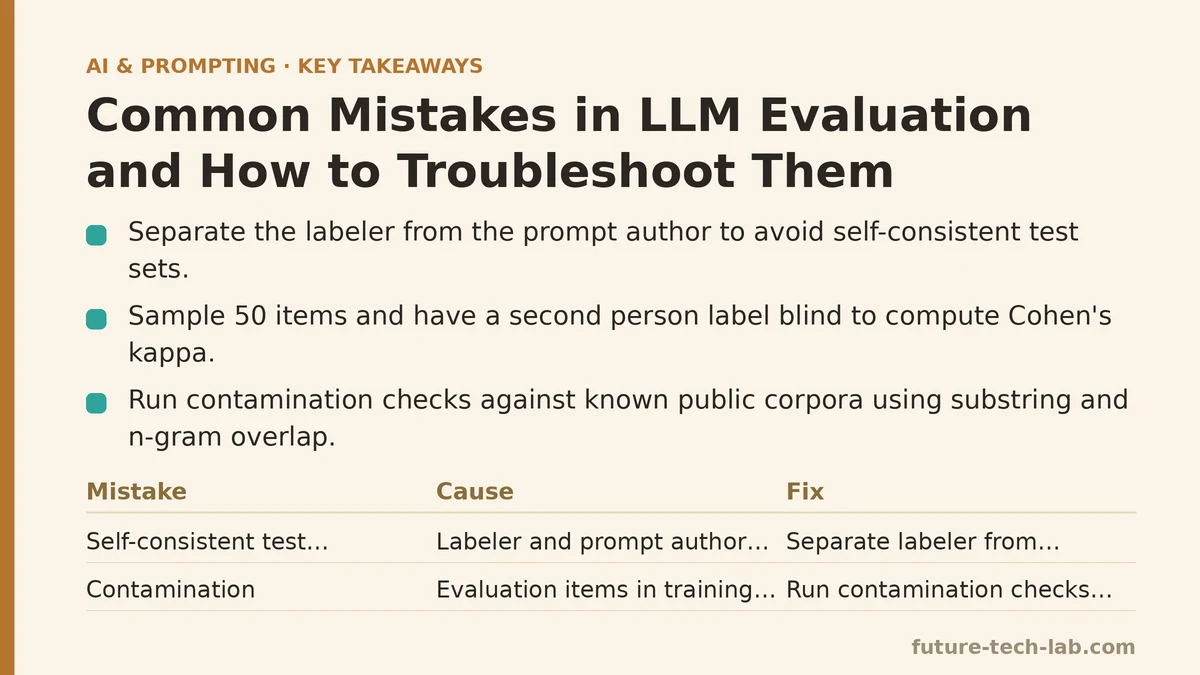
Cause: Self-consistent test construction. When the labeler and the prompt author share assumptions, the test set rewards the prompt for the wrong reason. It is a closed loop.
Fix: Separate the labeler from the prompt author, or at minimum, bring in a second labeler for a subset and measure agreement. If two independent labelers disagree on 15% of the billing-versus-technical boundary cases, that boundary is ambiguous in your taxonomy, not in the model. Fix the taxonomy before fixing the prompt. Concretely, sample 50 items from the set, have a second person label them blind to the first, and compute Cohen’s kappa. Anything below roughly 0.7 means the task definition, not the model, is the bottleneck.
Mistake 2: Contamination you did not check for
The next thing to check is whether the evaluation items are already in the model’s training data. Public benchmarks and scraped ticket datasets are frequently present in pre-training corpora. If your test set includes items that appeared in training, the model may have memorized the answer rather than reasoned to it, and the score inflates without any real capability improvement.
This is especially common if you sourced evaluation items from a public dataset, a popular GitHub issue tracker, or a widely shared corpus. The contamination is silent — the model just gets those items right.
Fix: For any public source, run a contamination check before you trust a score. You cannot query the training data directly, but you can approximate it with substring and n-gram overlap against known public corpora. A practical approach is to embed your evaluation items and search for near-duplicates in any dataset you suspect the model saw.
import hashlib
from dataclasses import dataclass

@dataclass
class EvalItem:
    id: str
    prompt: str
    expected: str

def normalize(text: str) -> str:
    # Lowercase and collapse whitespace so trivial formatting differences
    # do not hide a duplicate.
    return " ".join(text.lower().split())

def fingerprint(text: str, n: int = 5) -> set[str]:
    """Return the set of word-level n-grams for near-duplicate detection."""
    words = normalize(text).split()
    return {
        hashlib.md5(" ".join(words[i : i + n]).encode()).hexdigest()
        for i in range(len(words) - n + 1)
    }

def overlap_ratio(a: EvalItem, b: EvalItem, n: int = 5) -> float:
    fa, fb = fingerprint(a.prompt, n), fingerprint(b.prompt, n)
    if not fa or not fb:
        return 0.0
    return len(fa & fb) / len(fa | fb)

def flag_contamination(items: list[EvalItem], suspect_corpus: list[str],
                       threshold: float = 0.8) -> list[str]:
    corpus_fps = [fingerprint(c) for c in suspect_corpus]
    flagged = []
    for item in items:
        item_fp = fingerprint(item.prompt)
        for corp_fp in corpus_fps:
            if not item_fp or not corp_fp:
                continue
            jaccard = len(item_fp & corp_fp) / len(item_fp | corp_fp)
            if jaccard >= threshold:
                flagged.append(item.id)
                break
    return flagged
Run this against any corpus you suspect. A Jaccard threshold around 0.8 catches near-verbatim duplicates; lower it to 0.5 if you want to catch paraphrases and accept more false positives. The trade-off is real: aggressive thresholds will flag legitimate evaluation items and shrink your set, so start high and inspect the flagged items manually before deleting anything.
Mistake 3: The grader is unanchored
Now the more insidious problem. Suppose you move past contamination and re-run the 300 items. The accuracy still reads 91%, but the support lead’s complaint persists. The grader is not measuring what you think.
A common setup is string matching: the model output is correct if it contains the expected label keyword. For a task with a fixed label and a clean output format, this can work. But most triage prompts ask the model to draft a response, and a response that starts with “You may need to look at your invoice” is a billing answer that never mentions the literal word “billing.” Your grader marks it wrong. Meanwhile, a response that says “This isn’t billing, but here is how to reset your password” contains “billing” and gets marked correct.
Cause: A grader whose surface signal is only loosely correlated with the actual decision you care about.
Fix: Decide explicitly what “correct” means, then choose a grader whose failure mode matches that definition. For classification, grade the decision, not the prose. Add a structured field to the output and grade that field:
{
  "category": "billing",
  "confidence": 0.82,
  "draft_response": "You can view your invoice under Account > Billing History..."
}
Now the grader parses category and compares it to the expected label. Prose is no longer in the loop for the pass/fail decision. This single change is often the difference between a metric that tracks user complaints and one that does not.
When the fixed-label approach is not enough — for open-ended tasks like summarization or rewriting — you can use an LLM-as-judge, but the same anchoring rule applies. Give the judge an explicit rubric with named criteria and a discrete score per criterion, not a global “is this good” question. An unanchored judge drifts with prompt phrasing and tends to reward length and confidence. Anchored, it is more stable, though still imperfect.
When not to use an LLM judge: Do not use one to grade tasks where a deterministic check is available. If you can verify a field, a schema, a numeric tolerance, or a unit test, use that instead. An LLM judge adds variance and cost for no gain when a parser would do.
Mistake 4: No regression baseline between prompt versions
The pipeline now produces a cleaner number, say 87% on the clean set. You iterate on the prompt and the score goes to 88%. You ship. Two weeks later, the misrouting returns because the new prompt fixed one category and broke another, and the aggregate hid it.
Aggregate accuracy is a bad health signal because it masks per-category regressions. If billing drops from 95% to 80% while technical rises from 70% to 90%, the total can stay flat or even rise while user-facing quality falls in exactly the place users notice.
Fix: Track per-category metrics and store a versioned baseline. Every prompt change gets its own row, and you compare against the previous row, not against the ceiling. A minimal results table looks like this:
| Version | Billing | Technical | Account | Other | Overall |
|---|---|---|---|---|---|
| v1 baseline | 0.95 | 0.70 | 0.88 | 0.91 | 0.87 |
| v2 (reworded schema) | 0.80 | 0.90 | 0.88 | 0.91 | 0.88 |
The overall went up, but billing dropped 15 points. Without per-category tracking, you would have shipped v2 and re-created the support lead’s complaint. With it, you reject the change or fix the billing regression before merging.
The rule: never accept a prompt change on aggregate alone. Set a per-category floor and reject any version that drops below it, regardless of the total.
Mistake 5: Evaluating on a prompt that drifted from production
The last mistake is the one that survives every fix above. Your evaluation harness runs the prompt as a single-turn instruction. Production wraps it: a system message adds persona and constraints, retrieved context is injected above the user ticket, and a formatting instruction is appended after it. The model sees a different context than what your eval scores.
If the system message says “always prefer the technical category when the user mentions an error code,” but your eval never included that message, your eval measures a prompt the model never sees in production. The gap between 90% in eval and the support lead’s complaint is often exactly this difference.
Fix: Make the evaluation render the same prompt assembly path as production. Extract prompt construction into a function that both the eval harness and the serving code call. If the harness builds the prompt by a different route, they will diverge, and divergence is silent until a user notices.
SYSTEM = "You are a support triage assistant. Return JSON with keys: category, confidence, draft_response."

def build_prompt(ticket: str, retrieved_context: str = ""):
    messages = [{"role": "system", "content": SYSTEM}]
    if retrieved_context:
        messages.append(
            {"role": "system", "content": f"Context:\n{retrieved_context}"}
        )
    messages.append({"role": "user", "content": ticket})
    return messages

# Eval harness and production both call build_prompt with the same args.
# If they do not, the eval measures a different system than users hit.
The build_prompt function is the single source of truth. When someone edits the system message in production, the eval harness picks it up for free. When someone edits the harness, it is a visible change in a shared function, not a silent divergence in two files.
The end-to-end troubleshooting sequence
Bringing the pipeline from a misleading 91% to a trustworthy number is a sequence, not a single fix. Walk it in this order:
- Check label provenance. Verify the labeler and prompt author are not the same person, or at minimum measure inter-labeler agreement. Fix the taxonomy if kappa is low.
- Run contamination detection. Flag and remove items with high n-gram overlap against suspected public corpora before trusting any score.
- Anchor the grader. Replace surface-string matching with structured-field grading. Move to an anchored rubric judge only when deterministic checks are impossible.
- Add per-category tracking. Store a versioned baseline and reject prompt changes that drop below a per-category floor.
- Unify prompt assembly. Route eval and production through the same
build_promptfunction so the measured system equals the served system.
After each step, the number typically moves — usually down first, because you have removed cases the model was passing for the wrong reason, then up as you fix genuine prompt issues. A drop after an eval fix is a good sign, not a regression. It means your old number was fiction.
When this approach is overkill
For a throwaway script, a personal experiment, or a task where a wrong answer costs nothing, the full sequence is more process than the problem warrants. The 300-item labeled set, the contamination check, and the versioned baseline are worth building when an evaluation result drives a decision about what to ship, and when that decision has a user on the other end. Below that, a handful of hand-checked examples and a fixed-label grader is usually enough.
The pattern across all five mistakes is the same. Evaluation fails when the measured thing and the deployed thing drift apart — in the labels, the grader, the metric, or the prompt assembly. Each fix is a way to shrink that gap until the number you see is the number your users experience. The next time a metric and a complaint disagree, trust the complaint and go looking for the drift. It is almost always there.
Related guides: How to Evaluate LLM Outputs: A Beginner’s Step-by-Step Tutorial to Testing and Scoring AI Responses, Common Mistakes When Crafting System Prompts (And How to Fix Them), and AI Prompting Techniques for Sales Teams: Personalized Outreach and Deal Follow-Ups.
🔗 Recommended Reading
- How to Build a Semantic Search Engine with Embeddings: A Beginner's Step-by-Step Tutorial
- Building Your First RAG Chatbot: A Step-by-Step Tutorial for Beginners
- Function Calling for Beginners: A Step-by-Step Tutorial to Connecting LLMs to External APIs
- Vector Databases Explained: A Beginner's Guide to Storing and Querying Embeddings
- How to Evaluate LLM Outputs: A Beginner's Step-by-Step Tutorial to Testing and Scoring AI Responses