📖 5 min read
In today's fast-paced business environment, effectively managing projects is crucial for success. Teams often find themselves drowning in spreadsheets, email threads, and scattered notes, leading to missed deadlines, budget overruns, and frustrated team members. An automated project task management template offers a streamlined solution by centralizing project information, automating repetitive tasks, and providing real-time visibility into project progress. This powerful tool empowers project managers and team members to collaborate more efficiently, stay on track, and deliver projects on time and within budget. By automating the core processes of task management, organizations can significantly improve productivity, reduce errors, and free up valuable time for more strategic initiatives.
1. The Power of Automation in Project Management
Automation in project management fundamentally shifts how teams operate. Instead of manually assigning tasks, tracking progress, and generating reports, an automated system handles these routine activities, freeing up project managers to focus on critical decision-making and problem-solving. This leads to better resource allocation, improved risk management, and enhanced communication across the project team.
Consider a scenario where a marketing team is launching a new product. Without automation, the project manager would need to manually assign tasks such as creating marketing materials, scheduling social media posts, and coordinating with the sales team. With an automated template, these tasks can be pre-defined, automatically assigned based on team member roles, and tracked in real-time. This reduces the risk of tasks falling through the cracks and ensures that everyone is aware of their responsibilities and deadlines. Furthermore, automated reports can provide insights into the progress of each task, allowing the project manager to identify and address potential bottlenecks proactively.
The practical implications of automation are far-reaching. By reducing the time spent on administrative tasks, project managers can dedicate more attention to strategic planning, team coaching, and stakeholder communication. This leads to a more engaged and motivated team, which ultimately contributes to higher project success rates. Moreover, automation helps to standardize project management processes, ensuring consistency and repeatability across different projects.
2. Essential Features of an Automated Project Task Management Template
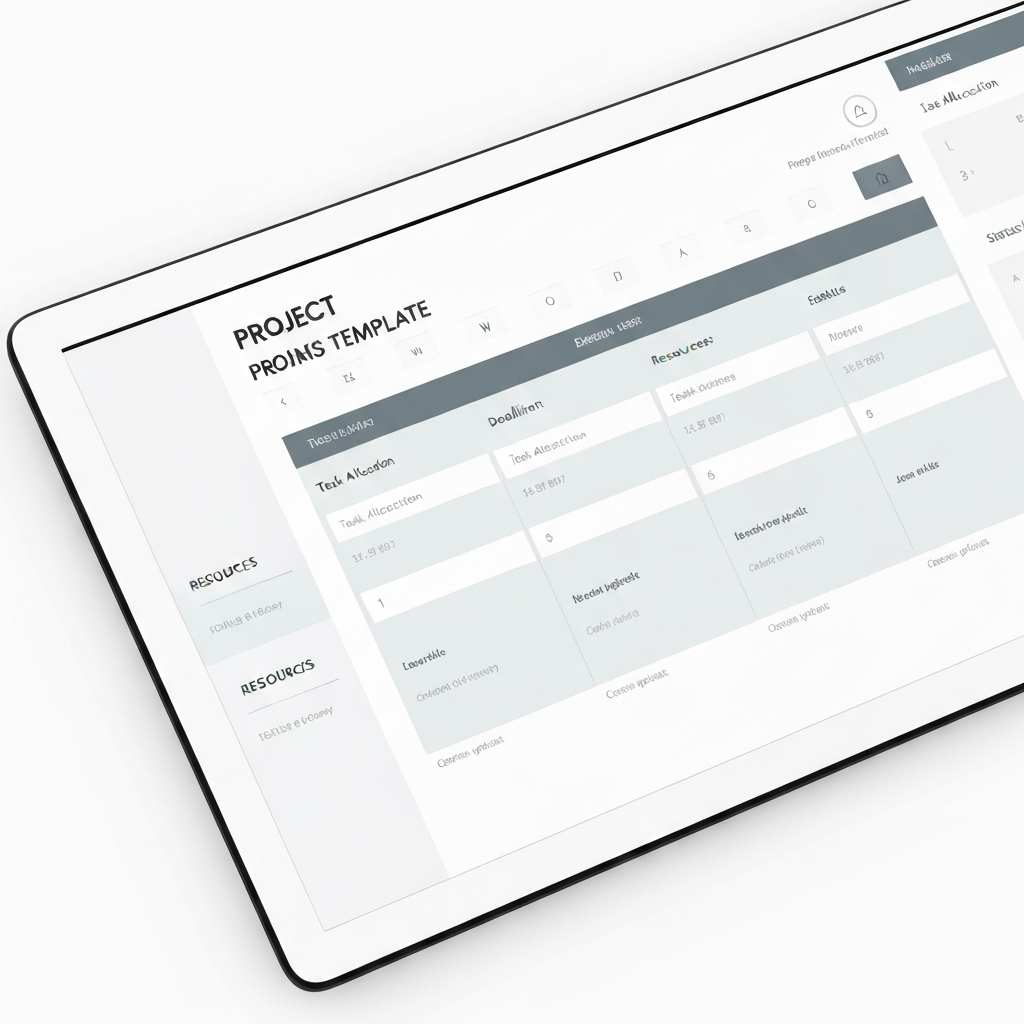
A truly effective automated project task management template incorporates several key features designed to streamline workflows and enhance collaboration. These features provide a centralized hub for all project-related information, automate repetitive tasks, and offer real-time visibility into project progress.
- Task Assignment and Tracking: The ability to assign tasks to specific team members with clear deadlines and track their progress in real-time is essential. The template should provide a visual representation of the task status, such as “To Do,” “In Progress,” “Completed,” and “Blocked.” This allows project managers to quickly identify any tasks that are behind schedule and take corrective action. Moreover, the system should automatically send notifications to team members when tasks are assigned, updated, or nearing their deadlines.
- Dependency Management: Many tasks are dependent on the completion of other tasks. The template should allow users to define these dependencies, ensuring that tasks are not started before their prerequisites are met. This helps to prevent delays and ensures that the project progresses in a logical and efficient manner. For example, the design of a website page cannot begin until the content has been written and approved. The dependency management feature will automatically notify the designer when the content is ready.
- Reporting and Analytics: The template should generate automated reports that provide insights into project performance. These reports should include key metrics such as task completion rates, budget utilization, and resource allocation. Visual dashboards can provide a high-level overview of project status, allowing project managers to quickly identify areas that require attention. Furthermore, the system should allow users to customize reports to meet their specific needs. For example, a project manager might want to generate a report that shows the progress of tasks assigned to a particular team member.
3. Building Your Own Automated Template: A Step-by-Step Guide
Pro Tip: Start small and iterate. Don't try to automate everything at once. Focus on automating the most repetitive and time-consuming tasks first, then gradually expand the scope of automation as you become more comfortable with the system.
Creating an automated project task management template doesn't have to be daunting. By following a structured approach, you can develop a template that meets your specific needs and helps you streamline your project management processes. This involves selecting the right tools, defining your project workflow, and configuring the template to automate key tasks.
First, choose a platform that supports automation. Popular options include Microsoft Excel with VBA, Google Sheets with Apps Script, or dedicated project management software like Asana or Trello with power-ups. For example, Excel is excellent for smaller teams familiar with the platform, using VBA scripts to automate task assignment and report generation. Google Sheets is ideal for collaborative teams that need real-time access to project data. Consider cloud-based options that offer integrations with other business applications. Next, map out your project workflow, identifying all the tasks, dependencies, and stakeholders involved. This will serve as the foundation for your template's structure and automation rules. Define clear task descriptions, deadlines, and assignees for each task. Finally, configure the template to automate key tasks such as task assignment, status updates, and report generation. Set up triggers that automatically update task status based on predefined criteria.
Ultimately, a well-designed automated project task management template can transform how your team manages projects. By automating repetitive tasks, centralizing project information, and providing real-time visibility into progress, you can improve productivity, reduce errors, and deliver projects on time and within budget. This not only benefits your organization but also empowers your team to focus on more strategic and creative work.
Conclusion
Automated project task management templates are no longer a luxury, but a necessity for organizations seeking to thrive in today's competitive landscape. By embracing automation, businesses can streamline their workflows, improve team collaboration, and achieve greater project success. The benefits extend beyond mere efficiency gains, fostering a more agile and responsive organization capable of adapting to changing market conditions.
As technology continues to evolve, we can expect to see even more sophisticated automation tools emerge, further simplifying project management and empowering teams to achieve even greater results. The future of project management lies in harnessing the power of automation to create more efficient, transparent, and collaborative workflows. Organizations that embrace this trend will be well-positioned to thrive in the years to come.
❓ Frequently Asked Questions (FAQ)
What are the key benefits of using an automated project task management template?
Using an automated template provides several key advantages. It significantly reduces the time spent on manual task management, minimizes errors, and improves overall project efficiency. Centralized task tracking and real-time updates enhance team collaboration and communication, ensuring everyone stays informed. Furthermore, automated reporting provides valuable insights into project performance, enabling data-driven decision-making and proactive problem-solving.
How do I choose the right automated project task management template for my team?
Selecting the right template requires careful consideration of your team's specific needs and workflow. Assess your project complexity, team size, and technical expertise. If your team is comfortable with spreadsheets, an Excel or Google Sheets template might suffice. For more complex projects and larger teams, consider dedicated project management software like Asana or Trello. Look for features like task assignment, dependency management, reporting, and integration with other tools your team uses.
Can I customize an automated project task management template to fit my specific needs?
Yes, most automated templates are highly customizable. Whether you're using Excel, Google Sheets, or a dedicated project management platform, you can typically modify the template to match your unique project requirements. This includes adding custom fields, creating new task statuses, defining specific workflows, and configuring automated notifications. Customization is key to ensuring the template effectively supports your team's processes and maximizes efficiency.
Tags: #ProjectManagement #TaskAutomation #WorkflowAutomation #BusinessTemplates #Productivity #Efficiency #StartupStrategies
🔗 Recommended Reading
- Prompt Engineering for Knowledge Graph Integration Enhancing Generative AI with Structured Data
- Recursive Prompt Engineering for AI Autonomy A Deep Dive into Advanced Generative AI
- Generative AI for Cognitive Augmentation Future Unlocking Human Potential
- Personalization through Dynamic Prompt Engineering The Next Frontier in Generative AI
- Automating Startup Legal Documents Leveraging Business Templates for Efficiency