📖 5 min read
In the fast-paced world of business, efficiency is the name of the game. One area where many companies, especially startups and small businesses, often struggle is invoice management. Manual invoice creation is not only time-consuming but also prone to errors, which can lead to delayed payments and strained client relationships. Embracing automated invoice generation can revolutionize your financial operations, freeing up valuable resources and ensuring accurate, timely billing. This article dives deep into the benefits of automating your invoice workflow and how you can implement it effectively.
1. Understanding the Pain Points of Manual Invoicing
Manual invoicing involves creating invoices from scratch using tools like spreadsheets or word processors. This process requires significant manual data entry, including customer details, product or service descriptions, quantities, prices, and payment terms. The likelihood of human error is high, leading to incorrect amounts, wrong addresses, or missed information, which ultimately delay payment processing and reconciliation. This also takes away time employees could be spending on generating revenue for the company.
Consider a small marketing agency that bills clients monthly for various services like social media management, content creation, and SEO. Manually compiling each invoice involves pulling data from different sources, calculating hours worked, and applying pre-agreed rates. This process can take several hours per client, especially when dealing with complex projects involving multiple team members. The agency is then unable to focus on what matters to the business like marketing, client acquisition and business improvements.
The consequences of these inefficiencies extend beyond mere time wasted. Delayed or incorrect invoices can damage client trust and create friction in the business relationship. Moreover, manual invoicing can hinder accurate financial forecasting and reporting, making it difficult to assess the true financial health of your business. Automating invoice generation addresses these pain points by streamlining the entire process, reducing errors, and improving overall financial management.
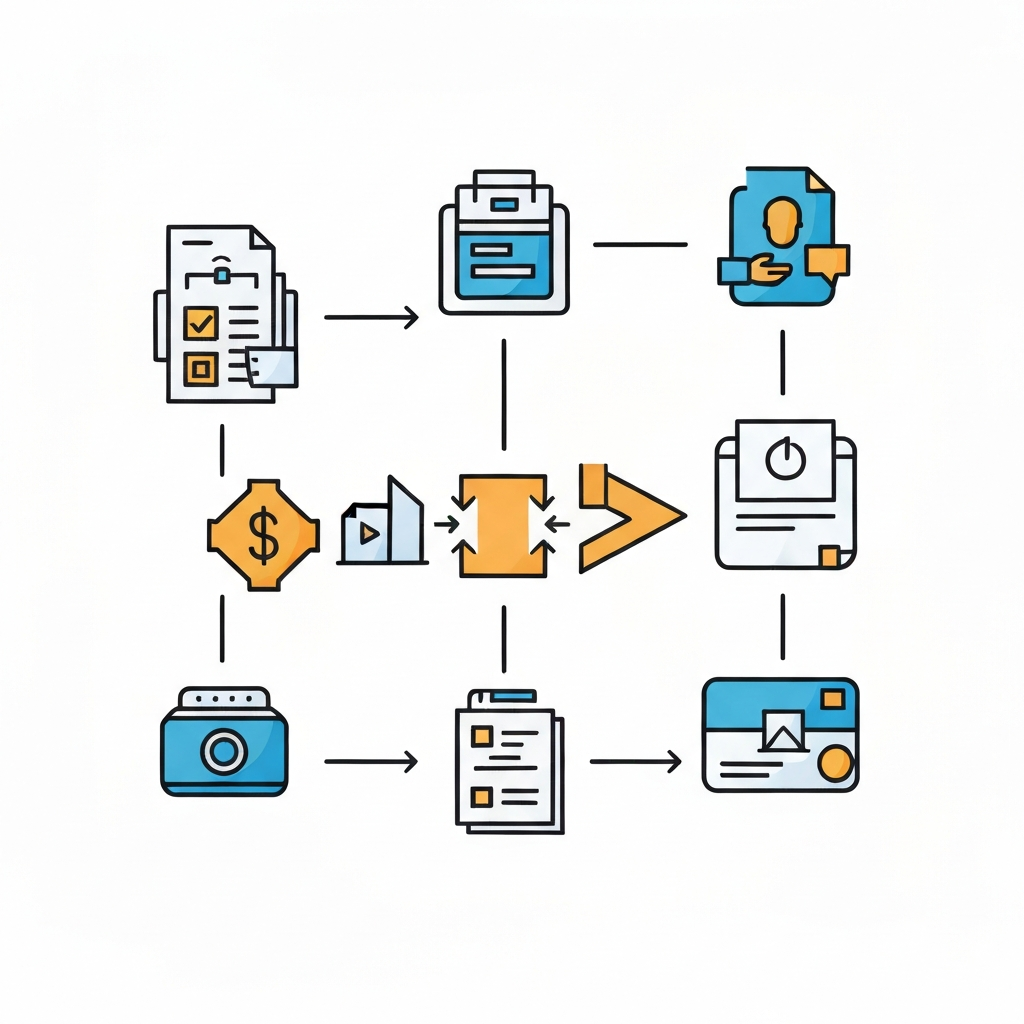
2. Benefits of Automated Invoice Generation
Automating your invoice generation process offers a multitude of benefits that can significantly impact your business's efficiency and profitability. From reduced errors to faster payments, the advantages are undeniable. Here are some key benefits:
- Reduced Errors: Automation minimizes the risk of human error in data entry and calculations. This leads to more accurate invoices, fewer disputes with clients, and improved financial reporting.
- Time Savings: Automating the invoice creation process frees up valuable time for your team to focus on more strategic tasks. The time saved can be reinvested in activities that directly contribute to revenue generation and business growth.
- Faster Payments: Automated invoice systems often include features like online payment gateways and automated reminders. This makes it easier for clients to pay on time, improving your cash flow and reducing the need for follow-up.
- Improved Organization: Centralized invoice management systems provide a single source of truth for all your invoicing data. This makes it easier to track invoice status, generate reports, and gain insights into your business's financial performance.
- Enhanced Professionalism: Automated invoices often have a professional and consistent design, which enhances your brand image and reinforces your credibility with clients. Furthermore, clients may have a higher opinion of you which leads to an increase in retention rates.
3. Implementing an Automated Invoice Workflow
Pro Tip: When selecting an invoicing software, prioritize integration with your existing accounting and CRM systems. This ensures seamless data flow and avoids data silos.
Implementing an automated invoice workflow involves several key steps, from selecting the right software to customizing your templates. A successful implementation requires careful planning and execution, but the long-term benefits are well worth the effort. Here's how to get started.
First, you need to choose the right invoicing software based on your business needs. Consider factors like the size of your business, the complexity of your invoicing requirements, and your budget. Some popular options include cloud-based solutions like QuickBooks Online, Xero, and FreshBooks, which offer a range of features like automated payment reminders, recurring invoices, and integration with other business tools. Additionally, one should also consider their internal IT structure and the support and service agreements offered by these vendors.
Once you've chosen your software, customize your invoice templates to reflect your brand identity. Include your logo, company colors, and any other branding elements. Ensure that your templates include all the necessary information, such as your company name and contact details, the client's information, a clear description of the products or services provided, the total amount due, and the payment terms. In some countries there are statutory requirements that the invoice needs to comply with, so you need to check this thoroughly.
Conclusion
Automated invoice generation is no longer a luxury but a necessity for businesses looking to thrive in today's competitive landscape. By automating your invoice workflow, you can reduce errors, save time, improve cash flow, and enhance your overall financial management. Embracing automation allows you to focus on your core business activities and drive sustainable growth.
As technology continues to evolve, the capabilities of invoice automation software will only expand. Expect to see more advanced features like AI-powered invoice processing, predictive analytics for cash flow forecasting, and seamless integration with emerging payment platforms. Businesses that embrace these advancements will be well-positioned to stay ahead of the curve and achieve long-term financial success.
❓ Frequently Asked Questions (FAQ)
What are the essential features to look for in invoice automation software?
When choosing invoice automation software, prioritize features like customizable invoice templates, automated payment reminders, online payment processing, integration with accounting software, and reporting capabilities. Look for software that allows you to easily track invoice status, generate reports on outstanding invoices, and gain insights into your business's financial performance. Integration with CRM systems is also beneficial, allowing for seamless data flow between sales and finance departments.
How can I ensure a smooth transition to automated invoice generation?
To ensure a smooth transition, start by thoroughly evaluating your current invoicing process and identifying pain points. Choose software that aligns with your specific needs and offers adequate training and support. Pilot the software with a small group of users before rolling it out company-wide. Clearly communicate the benefits of the new system to your team and provide ongoing training to ensure they are comfortable using it. It's also crucial to migrate your existing data accurately to prevent any disruption in billing.
What are the potential challenges of implementing automated invoice generation, and how can I overcome them?
Potential challenges include resistance to change from employees, integration issues with existing systems, and the initial learning curve. Overcome these challenges by involving your team in the selection and implementation process, providing comprehensive training, and choosing software that integrates seamlessly with your current systems. Address any concerns or hesitations your team may have by highlighting the long-term benefits of automation, such as reduced workload and improved accuracy. Always have a backup plan in case of technical issues during the transition period.
Tags: #invoiceautomation #businessoperations #workflowautomation #businessefficiency #startupstrategies #exceltemplates #wordtemplates
🔗 Recommended Reading