📖 5 min read
In today's fast-paced business environment, inefficient invoice processing can lead to delayed payments, strained vendor relationships, and a significant drain on resources. Manually routing invoices for approval is often a cumbersome and error-prone process, involving countless emails, paper trails, and potential bottlenecks. An automated invoice approval workflow template offers a streamlined solution, enabling organizations to significantly reduce processing times, minimize errors, and improve overall financial visibility. By automating the routing, approval, and payment processes, businesses can free up valuable time for their finance teams to focus on more strategic initiatives. This leads to improved cash flow management, enhanced vendor relationships, and a more efficient and productive accounts payable department. The implementation of such a template is an investment in operational excellence that pays dividends in terms of time savings, accuracy, and improved financial performance.
1. Understanding the Core Components of an Automated Invoice Approval Workflow
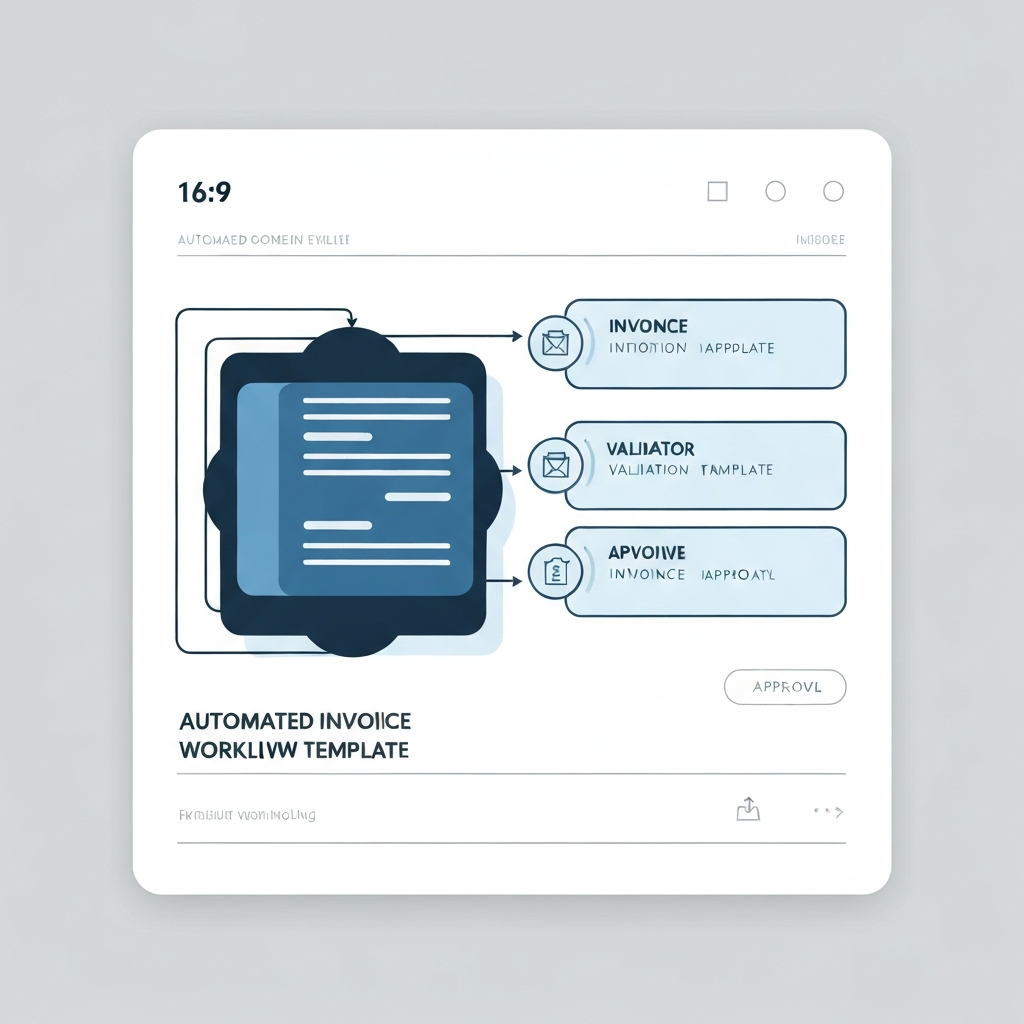
At its heart, an automated invoice approval workflow template is a pre-designed framework that outlines the steps involved in processing an invoice from receipt to payment. It defines the roles and responsibilities of each stakeholder, the specific actions they need to take, and the conditions under which an invoice is approved or rejected. This digital template integrates seamlessly with accounting software and other business systems, ensuring that all data is accurately captured and tracked throughout the process. This integration eliminates the need for manual data entry, reducing the risk of errors and improving data accuracy.
For example, consider a scenario where an invoice for $5,000 arrives from a vendor. In a manual system, this invoice might be printed, routed to the appropriate department head for approval, and then forwarded to accounts payable for processing. This process could take days or even weeks, depending on the availability of the approvers. With an automated workflow, the invoice is automatically scanned, the data is extracted and matched to the corresponding purchase order, and the invoice is routed electronically to the designated approver. If the invoice matches the purchase order and falls within the predefined approval limits, it is automatically approved and scheduled for payment. If there are discrepancies or if the invoice exceeds the approval limits, it is routed to a higher level of authority for review.
The practical implications of automating the invoice approval process are profound. Businesses can significantly reduce processing times, from weeks to just a few days or even hours. This faster processing allows for early payment discounts, improving cash flow and reducing overall costs. Furthermore, the automated system provides real-time visibility into the status of each invoice, enabling stakeholders to track progress and identify potential bottlenecks. This increased transparency and control leads to better decision-making and improved financial performance. It also frees up accounts payable staff to focus on higher-value tasks, such as analyzing spending patterns and negotiating better terms with vendors.
2. Key Features to Look for in an Invoice Approval Workflow Template
Selecting the right invoice approval workflow template is crucial for successful implementation. There are several key features that businesses should consider to ensure that the template meets their specific needs and requirements. The ideal template should be flexible, scalable, and easy to use, allowing businesses to adapt it to their unique processes and workflows.
- Automated Data Capture: The ability to automatically extract data from invoices, such as vendor name, invoice number, amount, and payment terms, is essential for minimizing manual data entry and reducing errors. Optical Character Recognition (OCR) technology plays a vital role in this process, accurately capturing data from scanned invoices and converting it into a usable format. For example, some templates offer intelligent OCR capabilities that learn from past invoices, improving accuracy over time. This feature not only saves time but also ensures that the data is consistent and reliable.
- Customizable Approval Rules: The template should allow businesses to define custom approval rules based on various criteria, such as invoice amount, vendor, department, or project. This enables organizations to route invoices to the appropriate approvers based on their specific roles and responsibilities. For instance, an invoice exceeding $10,000 might require approval from the CFO, while an invoice related to a specific project might need approval from the project manager. The ability to customize these rules ensures that invoices are reviewed by the right people, preventing unauthorized payments and ensuring compliance with internal policies.
- Integration with Accounting Software: Seamless integration with existing accounting software, such as QuickBooks, Xero, or NetSuite, is critical for ensuring that invoice data is automatically synchronized and updated. This eliminates the need for manual data transfer, reducing the risk of errors and improving data accuracy. For example, when an invoice is approved in the workflow template, the corresponding data is automatically updated in the accounting software, ensuring that the financial records are always accurate and up-to-date. This integration also simplifies the reconciliation process and provides a comprehensive view of the company's financial position.
3. Best Practices for Implementing an Automated Invoice Approval Workflow
Pro Tip: Start small and pilot the automated workflow with a specific department or vendor group before rolling it out company-wide. This allows you to identify and address any potential issues before they impact the entire organization.
Implementing an automated invoice approval workflow requires careful planning and execution. It's not just about installing a template; it's about transforming the entire invoice processing system. To ensure a successful implementation, businesses should follow these best practices. These steps will help minimize disruption, maximize adoption, and achieve the desired benefits of automation.
First, define clear roles and responsibilities for each stakeholder in the invoice approval process. This includes identifying the approvers, the accounts payable staff, and the IT support team. Clearly defined roles ensure that everyone understands their responsibilities and that there is no confusion or duplication of effort. For example, the approver is responsible for reviewing and approving invoices within their designated authority, while the accounts payable staff is responsible for processing payments and reconciling accounts. By clearly defining these roles, businesses can streamline the process and improve efficiency.
Second, provide adequate training and support to all users. This is crucial for ensuring that everyone understands how to use the new system and that they are comfortable with the changes. Training should cover all aspects of the workflow, from submitting invoices to approving payments. It should also address any common issues or questions that users might have. Ongoing support is also important, as users may encounter new challenges or need assistance with specific tasks. By providing adequate training and support, businesses can ensure that users are able to effectively use the new system and that they are able to contribute to its success.
Third, regularly monitor and evaluate the performance of the automated workflow. This helps to identify any areas for improvement and to ensure that the system is meeting its objectives. Key performance indicators (KPIs) to monitor include processing time, error rates, and user satisfaction. By tracking these KPIs, businesses can identify bottlenecks, address inefficiencies, and optimize the workflow for maximum performance. This ongoing monitoring and evaluation is essential for ensuring that the automated workflow continues to deliver value over time.
Conclusion
In conclusion, an automated invoice approval workflow template is an invaluable tool for businesses looking to streamline their accounts payable processes, reduce costs, and improve financial visibility. By automating the routing, approval, and payment of invoices, businesses can free up valuable time for their finance teams to focus on more strategic initiatives. The benefits of automation extend beyond cost savings, leading to improved cash flow management, enhanced vendor relationships, and a more efficient and productive accounts payable department. Implementing such a template is an investment in operational excellence that pays dividends in terms of time savings, accuracy, and improved financial performance.
Looking ahead, the trend towards greater automation in accounts payable is only set to accelerate. Emerging technologies such as artificial intelligence (AI) and machine learning (ML) are further enhancing the capabilities of invoice approval workflows, enabling even greater efficiency and accuracy. These technologies can automatically identify and flag suspicious invoices, predict payment terms, and optimize payment schedules. As businesses continue to embrace these advancements, the role of accounts payable professionals will evolve from transactional processing to strategic financial management.
❓ Frequently Asked Questions (FAQ)
What are the main benefits of using an automated invoice approval workflow template?
The primary advantages include reduced processing times, minimized errors, improved financial visibility, and enhanced vendor relationships. Automating the approval process eliminates manual steps, speeding up invoice processing and reducing the risk of human error. Real-time tracking of invoices provides greater financial visibility, and faster payments can lead to better relationships with vendors, potentially resulting in early payment discounts and more favorable terms. Overall, it streamlines operations and boosts efficiency.
How do I choose the right invoice approval workflow template for my business?
Consider factors such as the size and complexity of your business, the volume of invoices you process, and your existing accounting software. Look for a template that offers automated data capture, customizable approval rules, and seamless integration with your accounting system. It's also essential to choose a template that is user-friendly and provides adequate training and support. Reading reviews and comparing different templates can help you make an informed decision and select the one that best fits your needs.
What are some common challenges in implementing an automated invoice approval workflow, and how can I overcome them?
One common challenge is resistance to change from employees who are used to the manual process. To overcome this, involve employees in the implementation process, provide thorough training, and emphasize the benefits of automation. Another challenge is integrating the new workflow with existing systems. Ensure that the template is compatible with your accounting software and other business systems. Finally, ensure data accuracy by implementing robust data validation rules and regularly monitoring the system's performance.
Tags: #InvoiceAutomation #WorkflowTemplate #AccountsPayable #BusinessEfficiency #FinancialManagement #StartupTools #AutomationSoftware
🔗 Recommended Reading
- Mastering Prompt Engineering for Complex Tasks A Comprehensive Guide
- Automated Invoice Generation Streamlining Your Business Finances
- Boosting Your Income A Guide to Affiliate Marketing Security Products
- AI Powered Cybersecurity Revolutionizing Threat Detection
- Business Continuity Planning Template A Comprehensive Guide