📖 5 min read
Invoicing, a necessary evil for any business, often consumes far too much time and resources. The manual creation, sending, and tracking of invoices can lead to errors, delays in payment, and a general drag on productivity. Fortunately, automating your invoice workflow with templates offers a powerful solution, allowing you to streamline operations, reduce errors, and get paid faster. By implementing automated systems and leveraging customizable templates, you can significantly improve your cash flow and free up valuable time for more strategic activities. This guide will explore the benefits of invoice automation, how to implement it effectively, and the best practices for using templates to optimize your invoicing process, especially for startups and small businesses.
1. Understanding the Power of Invoice Automation
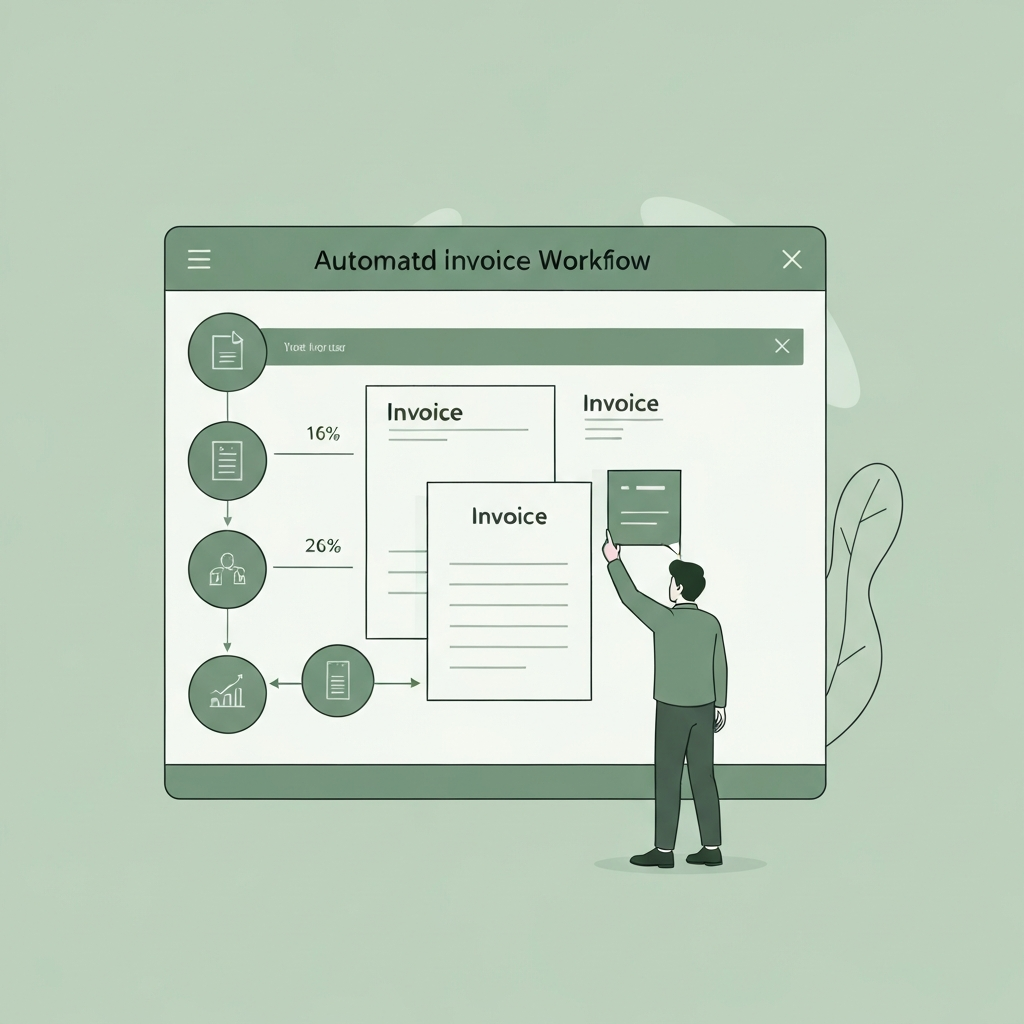
Invoice automation refers to the use of software and tools to streamline the entire invoicing process, from creation to payment. This involves automating tasks such as generating invoices, sending reminders, processing payments, and reconciling accounts. By automating these processes, businesses can eliminate manual data entry, reduce errors, and improve overall efficiency. The key is to select the right tools and templates that align with your specific business needs and integrate seamlessly with your existing accounting systems.
Consider a scenario where a small e-commerce business manually creates and sends invoices for each order. This process is not only time-consuming but also prone to errors such as incorrect pricing or shipping charges. By implementing an automated invoicing system, the business can automatically generate invoices based on order details, send them to customers via email, and track payment status in real-time. Furthermore, the system can automatically send reminders for overdue invoices, significantly reducing the risk of late payments. Data from companies using invoicing software has shown improvements in on-time payments of 30-40%.
The practical implications of invoice automation are far-reaching. Not only does it save time and reduce errors, but it also improves cash flow, enhances customer satisfaction, and provides valuable insights into business performance. For example, automated invoicing systems can generate reports on outstanding invoices, average payment times, and customer payment behavior, enabling businesses to make informed decisions about credit policies and collection strategies. Ultimately, invoice automation is a strategic investment that can significantly improve a business's bottom line and overall competitiveness.
2. Implementing Invoice Templates for Efficiency
Invoice templates are pre-designed documents that provide a standardized format for creating invoices. Using templates ensures consistency, accuracy, and professionalism in your invoicing process. They come in various formats, including Microsoft Word, Excel, and PDF, and can be customized to reflect your brand identity and specific business requirements. Selecting the right template and tailoring it to your needs is crucial for maximizing efficiency and minimizing errors.
- Choosing the Right Template: The first step in implementing invoice templates is to choose the right one for your business. Consider factors such as the type of products or services you offer, the size of your business, and your branding requirements. For example, a freelance designer may prefer a simple, minimalist template, while a larger manufacturing company may require a more detailed template with fields for tracking inventory and shipping costs. Many free and paid templates are available online, so take the time to explore different options and choose one that best suits your needs.
- Customizing Your Template: Once you have selected a template, it's essential to customize it to reflect your brand identity and specific business requirements. This includes adding your logo, company name, contact information, and payment terms. You should also customize the fields to include relevant information such as invoice number, date, customer details, item descriptions, quantities, prices, and total amount due. Ensure that all fields are clearly labeled and easy to understand to minimize confusion and errors.
- Integrating Templates with Automation Tools: To fully leverage the power of invoice templates, it's crucial to integrate them with automation tools. This can involve using software that automatically populates the template with data from your accounting system or CRM. For example, when a new order is placed, the system can automatically generate an invoice using the pre-filled template, eliminating the need for manual data entry. Integrating templates with automation tools streamlines the invoicing process, reduces errors, and saves time, allowing you to focus on more strategic activities.
3. Best Practices for Automated Invoice Workflows
Pro Tip: Always send invoices promptly after delivering your product or service. The sooner you send the invoice, the faster you'll likely get paid. Consider automating this process so invoices are sent immediately after fulfillment.
Automating invoice workflows requires a strategic approach that considers various factors, including the type of business, the volume of invoices, and the existing accounting systems. It's essential to implement best practices to ensure the automation is effective, efficient, and accurate. This includes setting clear payment terms, using professional invoice templates, sending timely reminders, and providing multiple payment options.
One crucial best practice is to set clear and concise payment terms on your invoices. This includes specifying the due date, accepted payment methods, and any late payment penalties. Clearly communicating your payment terms upfront helps avoid confusion and ensures that customers understand their obligations. Another best practice is to send timely reminders for overdue invoices. Automated systems can be configured to send reminders automatically at predetermined intervals, increasing the likelihood of prompt payment. For instance, sending a reminder a week before the due date and then again a few days after can significantly improve payment rates.
In summary, automating invoice workflows and utilizing invoice templates can result in significant time savings, error reduction, and improved cash flow for your business. By implementing the best practices outlined above, you can optimize your invoicing process and create a more efficient and professional payment experience for your customers. Ultimately, this translates to increased productivity, better financial management, and a stronger competitive advantage.
Conclusion
In conclusion, automating your invoice workflow with templates is no longer a luxury but a necessity for businesses seeking to improve efficiency, reduce errors, and optimize cash flow. By implementing automated systems and leveraging customizable templates, you can streamline the entire invoicing process, from creation to payment, freeing up valuable time and resources for more strategic activities. The benefits are numerous, including reduced manual data entry, improved accuracy, faster payment cycles, and enhanced customer satisfaction.
As technology continues to evolve, the future of invoice automation will likely involve even greater integration with other business systems, such as accounting software, CRM platforms, and payment gateways. We can expect to see more sophisticated AI-powered features that can automatically detect and resolve invoicing errors, predict payment patterns, and provide personalized customer experiences. Embracing these advancements will be critical for businesses seeking to stay ahead of the curve and maintain a competitive edge in today's rapidly changing business environment.
❓ Frequently Asked Questions (FAQ)
What are the key benefits of using invoice templates?
Invoice templates offer numerous benefits, including improved consistency, reduced errors, and time savings. By using a standardized template, you can ensure that all invoices have a professional and consistent appearance, reinforcing your brand identity. Templates also reduce the risk of errors by providing pre-defined fields and calculations. Furthermore, they save time by eliminating the need to create invoices from scratch each time. For example, a small business owner can save several hours each week by using invoice templates instead of manually creating invoices.
How can I integrate invoice templates with my existing accounting software?
Integrating invoice templates with your existing accounting software is a crucial step in automating your invoice workflow. Many accounting software packages offer built-in template customization features, allowing you to create and save your own templates. Alternatively, you can use third-party integration tools to connect your templates to your accounting software. This enables you to automatically populate your templates with data from your accounting system, such as customer information, product details, and pricing. This integration streamlines the invoicing process, reduces manual data entry, and ensures accuracy.
What are some common mistakes to avoid when automating invoice workflows?
When automating invoice workflows, it's essential to avoid common mistakes that can undermine the effectiveness of the automation. One common mistake is failing to set clear payment terms on your invoices. This can lead to confusion and delays in payment. Another mistake is not sending timely reminders for overdue invoices, which can significantly reduce the likelihood of prompt payment. Additionally, neglecting to provide multiple payment options can alienate customers and make it more difficult for them to pay. For instance, only accepting bank transfers might deter some customers from paying promptly.
Tags: #InvoiceAutomation #WorkflowAutomation #BusinessTemplates #ExcelTemplates #StartupStrategy #ProductivityHacks #FinancialManagement