📖 5 min read
In today's fast-paced business environment, efficiency is paramount. One area where many businesses struggle with inefficiencies is invoice processing. The traditional manual method of receiving, sorting, entering, and approving invoices is not only time-consuming but also prone to errors, delays, and lost invoices. By automating your invoice processing workflow, you can significantly reduce these issues, improve accuracy, and free up your team to focus on more strategic tasks. An automated invoice processing workflow template provides a structured approach to streamline the entire process, from receiving invoices to making payments, leading to substantial cost savings and improved financial control. This blog post will delve into the benefits of automating your invoice processing workflow and provide you with a template to get started.
1. Understanding the Challenges of Manual Invoice Processing
Manual invoice processing involves a series of steps that are often handled by different individuals or departments, creating a complex and potentially error-prone process. Each invoice needs to be manually entered into the accounting system, which is time-consuming and requires significant attention to detail. This process can be frustrating for employees and can lead to bottlenecks, slowing down the overall workflow and increasing the risk of late payment penalties. The lack of real-time visibility also makes it difficult to track the status of invoices, leading to inquiries from suppliers and potential disruptions to the supply chain.
Consider a small business that receives approximately 50 invoices per week. Each invoice takes an average of 15 minutes to process manually, including data entry, verification, and approval. This translates to over 12 hours per week spent solely on invoice processing, which could be better allocated to revenue-generating activities. Furthermore, manual processes are susceptible to human error, such as incorrect data entry or misplaced invoices, which can lead to financial discrepancies and reconciliation challenges. In larger organizations, the problem is exacerbated, with potentially hundreds or thousands of invoices processed weekly, making automation even more crucial.
The challenges of manual invoice processing extend beyond just time and errors. They also impact the overall efficiency of the finance department and the relationship with suppliers. Delays in payment due to slow processing can strain relationships with suppliers, potentially leading to unfavorable terms or even the loss of valuable partnerships. Additionally, the lack of automation makes it difficult to analyze invoice data, hindering the ability to identify cost-saving opportunities and improve financial forecasting. Automating the invoice processing workflow is therefore a strategic investment that can yield significant returns in terms of efficiency, accuracy, and cost savings.
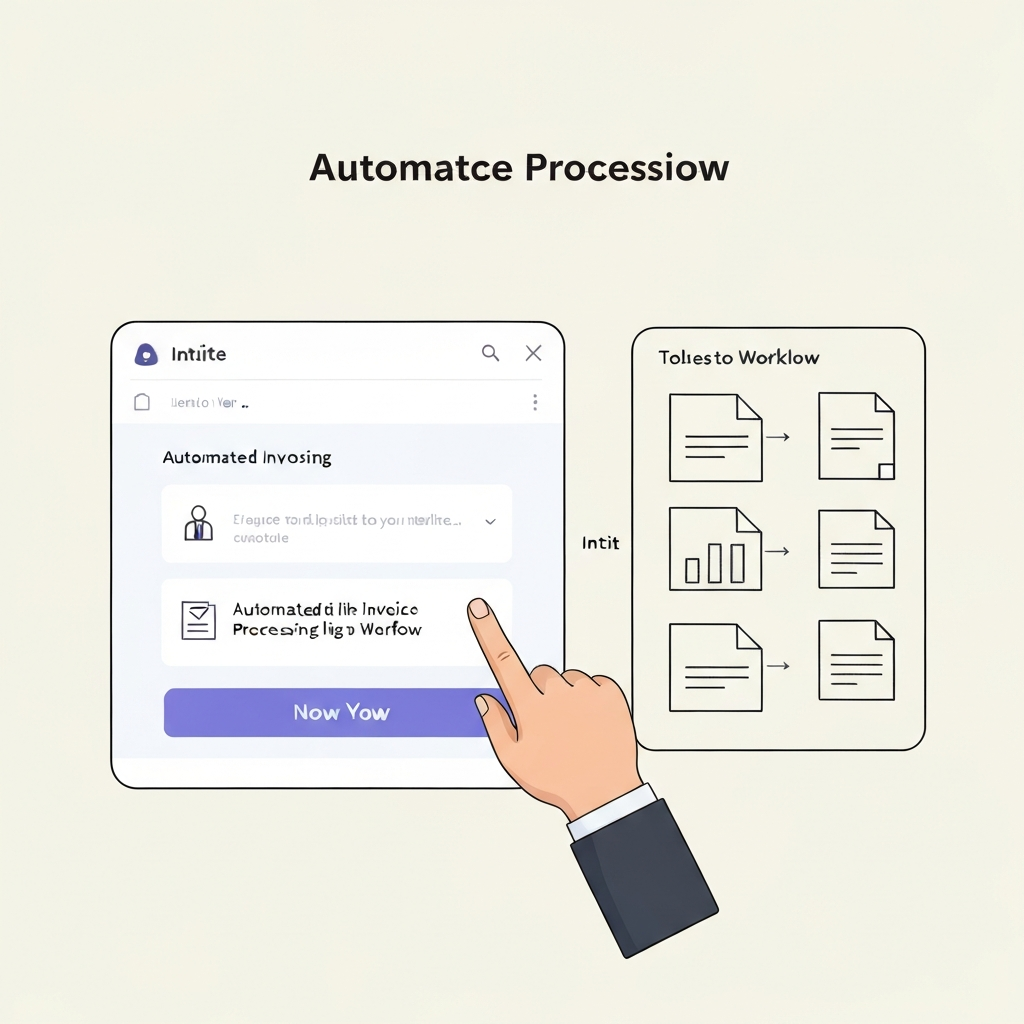
2. Key Components of an Automated Invoice Processing Workflow Template
An effective automated invoice processing workflow template should include several key components designed to streamline each stage of the process. These components work together to ensure that invoices are processed quickly, accurately, and with minimal human intervention. From invoice capture to payment approval, each step is optimized to reduce manual effort and improve overall efficiency. By integrating these components into your business operations, you can transform your invoice processing from a cumbersome task to a streamlined process.
- Invoice Capture and Data Extraction: This component involves automatically capturing invoices from various sources, such as email, scanned documents, or supplier portals. Optical Character Recognition (OCR) technology is then used to extract relevant data from the invoices, such as invoice number, date, amount, and supplier information. This eliminates the need for manual data entry, reducing errors and saving time. Modern systems can even learn from past invoices to improve accuracy over time, ensuring that data extraction becomes increasingly reliable.
- Automated Routing and Approval: Once the invoice data is extracted, the workflow template should automatically route the invoice to the appropriate approvers based on predefined rules. These rules can be based on factors such as invoice amount, department, or supplier. Approvers receive notifications and can review and approve invoices electronically, eliminating the need for paper-based approvals and reducing processing time. Automated routing ensures that invoices are handled efficiently and that approvals are obtained promptly.
- Integration with Accounting Systems: A critical component of an automated invoice processing workflow is seamless integration with your existing accounting systems. This integration allows invoice data to be automatically transferred to the accounting system, eliminating the need for manual data entry and ensuring data accuracy. Integrated systems also facilitate reconciliation and reporting, providing a comprehensive view of your accounts payable. This integration streamlines the entire financial process, reducing errors and improving financial control.
3. Implementing Your Automated Invoice Processing Workflow Template
Pro Tip: Start small and focus on automating the most time-consuming and error-prone aspects of your invoice processing workflow. This will allow you to demonstrate the value of automation and build momentum for further improvements.
Implementing an automated invoice processing workflow template requires careful planning and execution. The first step is to assess your current invoice processing workflow and identify areas where automation can have the greatest impact. This assessment should involve gathering data on the volume of invoices processed, the time spent on each step, and the errors that occur. This information will help you prioritize your automation efforts and select the right technology solutions.
Once you have identified the areas for improvement, the next step is to select an appropriate invoice processing automation solution. There are many different solutions available, ranging from simple software applications to comprehensive enterprise resource planning (ERP) systems. When selecting a solution, consider factors such as scalability, integration capabilities, and ease of use. It is also important to choose a solution that aligns with your budget and technical expertise. After selecting a solution, you will need to configure the workflow template to meet your specific business needs. This may involve setting up routing rules, defining approval hierarchies, and configuring data extraction settings.
After the system is set up, it's time to test, train and deploy. Thorough testing is crucial to ensure that the automated workflow functions correctly and that all data is accurately captured and processed. User training is also essential to ensure that employees understand how to use the new system effectively. Once the system is fully implemented, monitor its performance and make adjustments as needed. Regularly review the workflow to identify opportunities for further optimization and ensure that it continues to meet your business needs. Automating the invoice processing workflow is an ongoing process of improvement and refinement, delivering long-term benefits in terms of efficiency, accuracy, and cost savings.
Conclusion
Automating your invoice processing workflow is a strategic move that can significantly improve your business operations. By eliminating manual data entry, streamlining approvals, and integrating with your accounting systems, you can reduce errors, save time, and improve financial control. An automated invoice processing workflow template provides a structured approach to implementing these improvements, helping you to achieve greater efficiency and profitability.
Looking ahead, the trend toward automation will only continue to accelerate. As technology advances, even more sophisticated solutions will become available, making it easier and more cost-effective to automate your invoice processing workflow. Embracing automation is therefore essential for businesses that want to stay competitive and thrive in today's digital economy. By investing in automation, you can free up your team to focus on more strategic tasks, improve your relationships with suppliers, and gain a competitive edge.
❓ Frequently Asked Questions (FAQ)
What are the main benefits of automating invoice processing?
Automating invoice processing offers several key benefits. It significantly reduces manual data entry, minimizing errors and saving time. Automated routing and approval workflows speed up the entire process, leading to faster payments and improved supplier relationships. Integration with accounting systems ensures accurate data transfer and streamlined reconciliation, providing better financial control.
How do I choose the right invoice processing automation solution for my business?
Choosing the right solution depends on your specific business needs and budget. Consider factors such as the volume of invoices you process, the complexity of your approval workflows, and your existing accounting systems. Look for a solution that offers scalability, integration capabilities, and ease of use. It's often helpful to request demos from multiple vendors and compare their features and pricing before making a decision, and to check for independent reviews of the software's performance and reliability.
What is OCR technology, and how does it help with invoice processing?
OCR (Optical Character Recognition) technology is a key component of automated invoice processing. It converts scanned documents or images of invoices into machine-readable text. This allows the system to automatically extract relevant data from the invoices, such as invoice number, date, amount, and supplier information, eliminating the need for manual data entry. Modern OCR systems are highly accurate and can even learn from past invoices to improve their performance over time, greatly improving invoice processing efficiency.
Tags: #InvoiceAutomation #WorkflowTemplate #BusinessEfficiency #AccountsPayable #AutomationTips #StartupStrategies #BusinessTemplates
🔗 Recommended Reading
- Prompt Engineering for Knowledge Graph Integration Enhancing Generative AI with Structured Data
- Recursive Prompt Engineering for AI Autonomy A Deep Dive into Advanced Generative AI
- Generative AI for Cognitive Augmentation Future Unlocking Human Potential
- Personalization through Dynamic Prompt Engineering The Next Frontier in Generative AI
- Automating Startup Legal Documents Leveraging Business Templates for Efficiency