AI-Powered-Code-Debugging-Tools-&-Techniques
📖 5 min read
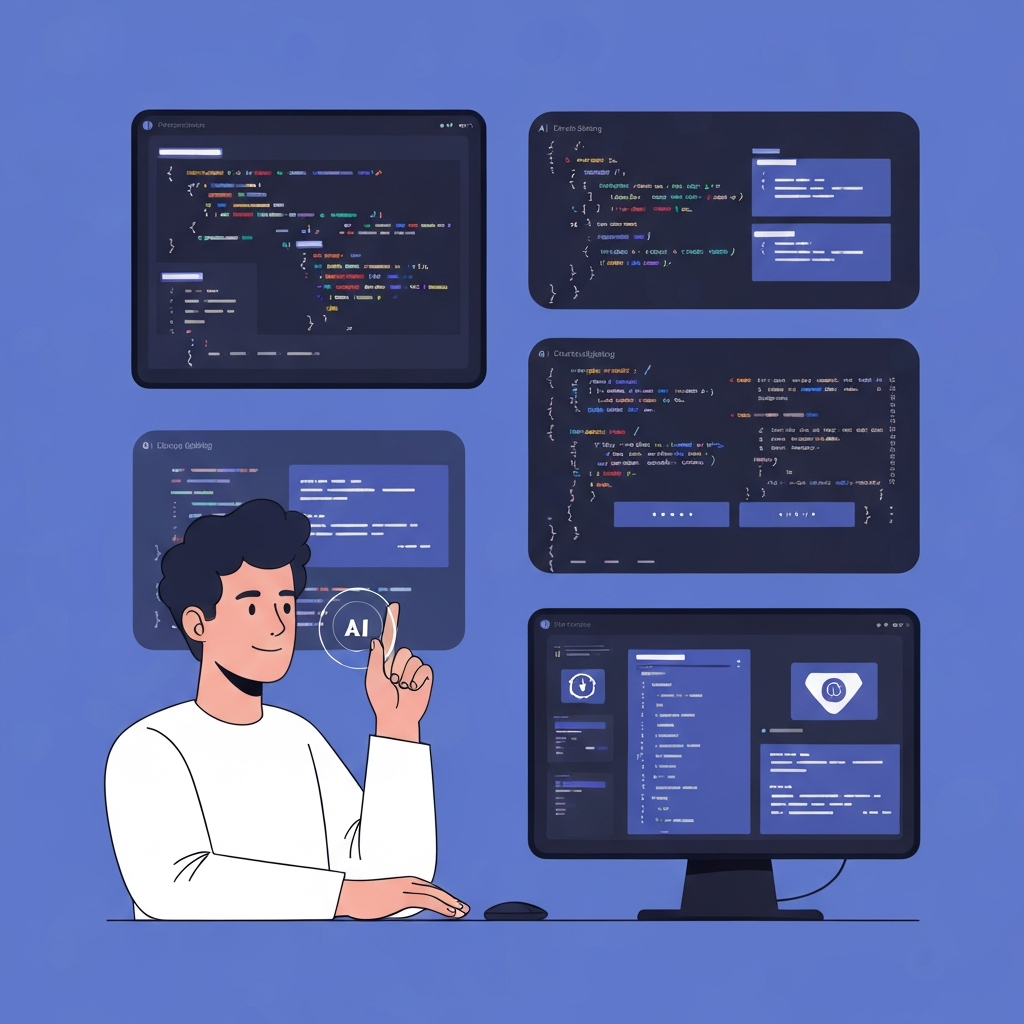
Debugging code has always been a critical yet often tedious part of software development. Developers spend countless hours poring over lines of code, searching for elusive bugs that can crash applications or introduce vulnerabilities. However, the rise of artificial intelligence (AI) is revolutionizing this process, offering powerful new tools and techniques that can significantly accelerate debugging and improve code quality. AI-powered debugging tools are not simply glorified search functions; they leverage machine learning algorithms to understand code semantics, predict potential errors, and even suggest fixes, thereby transforming debugging from a reactive chore into a proactive and intelligent process. By embracing these advancements, developers can streamline their workflows, reduce development time, and ultimately create more robust and reliable software. This article explores the landscape of AI-powered code debugging, examining the tools and techniques that are transforming the way we approach error detection and resolution in the world of software development.
1. Understanding AI in Code Debugging
At its core, AI-powered code debugging utilizes machine learning to analyze code, identify anomalies, and predict potential errors. Unlike traditional debugging methods that rely on manual inspection and predefined rules, AI algorithms can learn from vast datasets of code, error logs, and debugging sessions to recognize patterns that might be invisible to human eyes. This allows them to detect subtle bugs, performance bottlenecks, and security vulnerabilities that would otherwise go unnoticed.
One example of this is the use of deep learning models trained on millions of lines of code from open-source projects. These models can learn to predict the likelihood of errors based on code syntax, structure, and context. They can also identify code that deviates from established coding standards or common programming patterns, flagging it as potentially problematic. For instance, an AI model might identify a section of code where a variable is used before it is initialized, a common source of errors in many programming languages. Furthermore, advanced AI systems can even suggest corrections or alternative code snippets to resolve the identified issues, significantly accelerating the debugging process.
The practical implications of AI-powered debugging are far-reaching. By automating many of the repetitive and time-consuming tasks associated with debugging, developers can focus on more creative and strategic aspects of software development. This can lead to faster development cycles, reduced costs, and improved software quality. Moreover, AI-powered tools can help to democratize debugging, making it easier for less experienced developers to identify and fix errors, thereby reducing the reliance on senior engineers and promoting knowledge sharing within development teams. The continuous learning nature of AI also means that these tools become more effective over time, adapting to new coding styles, programming languages, and emerging security threats.
2. Key AI-Powered Debugging Tools
Several AI-powered debugging tools are emerging, each offering unique features and capabilities. These tools integrate with popular IDEs and development workflows, making it easy for developers to incorporate AI into their debugging process.
- Static Code Analysis with AI: AI enhances static code analysis by going beyond simple pattern matching. It can understand the semantic meaning of code, identifying complex issues like data flow anomalies, security vulnerabilities (e.g., SQL injection, cross-site scripting), and performance bottlenecks. These tools leverage machine learning models trained on large codebases to predict the probability of errors based on code structure and context. They can also suggest code improvements and security mitigations based on best practices and known vulnerability patterns.
- Intelligent Code Completion and Error Prediction: AI-powered code completion tools not only suggest code snippets but also predict potential errors as you type. They analyze the code context and identify potential issues like type mismatches, null pointer exceptions, and resource leaks. By providing real-time feedback, these tools help developers avoid common mistakes and improve code quality from the start. Some tools also integrate with debugging engines, allowing developers to quickly identify and fix errors directly from the code editor.
- AI-Driven Log Analysis: Analyzing logs manually can be time-consuming and challenging, especially in complex systems with large volumes of log data. AI-driven log analysis tools automate this process by using machine learning algorithms to identify anomalies, predict potential issues, and provide insights into system behavior. They can automatically detect error patterns, performance bottlenecks, and security threats by analyzing log data in real-time. These tools often provide dashboards and visualizations that make it easy for developers to understand complex log data and identify the root causes of problems.
3. Techniques for Effective AI Debugging
Always validate AI-driven suggestions with your own understanding of the code. Treat AI as an assistant, not a replacement for critical thinking.
While AI-powered debugging tools offer significant advantages, it's crucial to use them effectively. Blindly accepting AI-generated suggestions without careful consideration can lead to new problems or mask underlying issues. Therefore, developers should adopt a strategic approach that combines AI's capabilities with their own expertise.
One key technique is to use AI tools for initial error detection and anomaly identification. This allows developers to quickly narrow down the search space and focus their attention on the most likely sources of errors. Once a potential issue is identified, developers should carefully examine the code and the AI's suggestions, using their own knowledge and understanding of the system to validate the AI's findings. It's also important to understand the limitations of AI-powered tools. They are not perfect and can sometimes generate false positives or miss subtle errors. Therefore, it's crucial to combine AI-driven debugging with traditional debugging methods like code reviews, unit testing, and integration testing.
Ultimately, the most effective approach to AI-powered debugging is to view AI as a collaborative partner, not a replacement for human intelligence. By combining the power of AI with human expertise, developers can significantly improve their debugging efficiency and code quality. This collaborative approach also allows developers to learn from the AI, gaining new insights into coding patterns, potential errors, and best practices. The integration of AI into the debugging workflow should be seen as an ongoing process of learning and adaptation, where both the AI and the developer continuously improve their skills and understanding.
🔗 함께 읽으면 좋은 글
Conclusion
AI-powered code debugging represents a significant advancement in software development, offering the potential to streamline workflows, reduce development time, and improve code quality. By leveraging machine learning algorithms to analyze code, identify anomalies, and predict potential errors, AI tools can help developers find and fix bugs more quickly and efficiently. These tools are not intended to replace developers but to augment their abilities, allowing them to focus on more creative and strategic aspects of software development. The integration of AI into the debugging process is transforming it from a reactive chore into a proactive and intelligent endeavor.
Looking ahead, AI-powered debugging is poised to become even more sophisticated, with advancements in areas such as deep learning, natural language processing, and automated reasoning. These advancements will enable AI tools to understand code at a deeper level, predict errors with greater accuracy, and even automatically generate fixes for complex bugs. As AI continues to evolve, it will play an increasingly important role in shaping the future of software development, making it faster, more efficient, and more reliable. The adoption of AI-powered debugging is no longer a futuristic vision but a present-day necessity for any organization striving to stay competitive in the rapidly evolving world of software.
❓ Frequently Asked Questions (FAQ)
How does AI actually "learn" to debug code?
AI learns to debug code primarily through machine learning techniques, specifically supervised learning and unsupervised learning. In supervised learning, the AI is trained on vast datasets of code examples paired with their corresponding errors and fixes. For example, a dataset might include code snippets with common errors like null pointer exceptions, along with corrected versions of the code. The AI learns to recognize patterns and relationships between the code and the errors, enabling it to predict potential issues in new, unseen code. Unsupervised learning, on the other hand, involves training the AI on unlabeled code data, allowing it to discover hidden patterns and anomalies without explicit error annotations.
What are the limitations of using AI for code debugging?
While AI-powered debugging offers numerous benefits, it also has limitations. AI models are only as good as the data they are trained on. If the training data is biased or incomplete, the AI may not be able to accurately detect errors or may generate false positives. Additionally, AI may struggle with complex or unconventional code that deviates significantly from established patterns. AI models also lack the human understanding and intuition that developers bring to the debugging process. For instance, an AI may identify a potential error based on syntax or structure, but it may not understand the underlying logic or business requirements of the code. Finally, AI-powered debugging can be computationally expensive, especially for large and complex codebases.
Can AI help debug legacy code that is poorly documented?
Yes, AI can be particularly helpful in debugging legacy code, even if it is poorly documented. AI algorithms can analyze the code's structure, identify patterns, and infer its functionality, even without explicit documentation. By learning from the code itself, AI can identify potential errors, performance bottlenecks, and security vulnerabilities that may be difficult to detect through manual inspection. Furthermore, AI can help to reconstruct the code's documentation by generating summaries, identifying key functions, and tracing data flows. This can make it easier for developers to understand and maintain legacy code, even if the original documentation is missing or outdated. However, it is crucial to validate AI's suggestions and inferences with careful code review and testing to ensure accuracy and avoid introducing new errors.
Tags: #AI #CodeDebugging #ArtificialIntelligence #SoftwareDevelopment #MachineLearning #FutureOfCoding #AIDevTools